Generating IIIF Collections Using the Omeka S IIIF Server Module

Overview The Omeka S IIIF Server module can automatically generate IIIF collections (a grouping of IIIF manifests into one) in addition to IIIF manifest files. https://omeka.org/s/modules/IiifServer/ This article explains how to use this IIIF collection feature. Preparing Data (Item Sets) In Omeka S, there is a unit called “item sets” for managing groups of items. For example, in this case, we create three item sets: “tei”, “iiif”, and “oss”. ...
March 17, 2022 · Updated: March 17, 2022 · 2 min · Nakamura

Building an IIIF Image Server with AWS Serverless Application

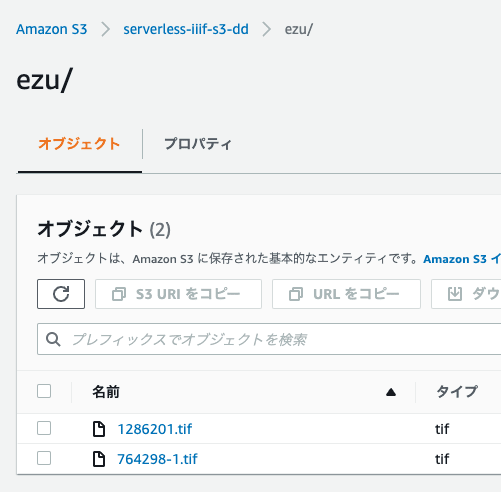
Notice I have documented the usage instructions as of 2024 in the following article. Please refer to it. Overview This article introduces how to build an IIIF Image Server using an AWS serverless application, as featured in Awesome IIIF. https://github.com/samvera-labs/serverless-iiif Please note that following the procedures in this article will incur AWS service charges, so please be cautious if you try it. Target Audience The above repository describes the following prerequisites: ...

March 17, 2022 · Updated: March 17, 2022 · 5 min · Nakamura

[For Developers] Setting Up a Search Application Development Environment Using AWS x Nuxt.js x Elasticsearch

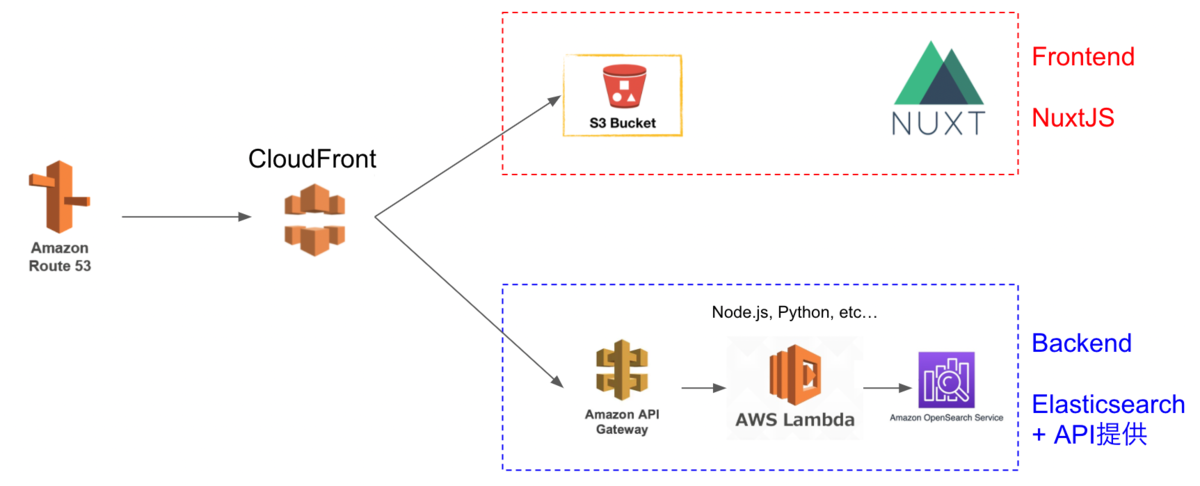
This article explains how to set up a development environment for a search application using AWS x Nuxt.js x Elasticsearch. This is primarily a personal reference note. We aim for the following architecture. While there may be better configurations and approaches, this at least provides a working development environment for a Nuxt.js web application using Elasticsearch as the search engine on AWS. The Cultural Japan project also uses a nearly identical architecture. ...

March 12, 2022 · 6 min · Nakamura

Registering Resource Classes with Bulk Import and Editing Settings

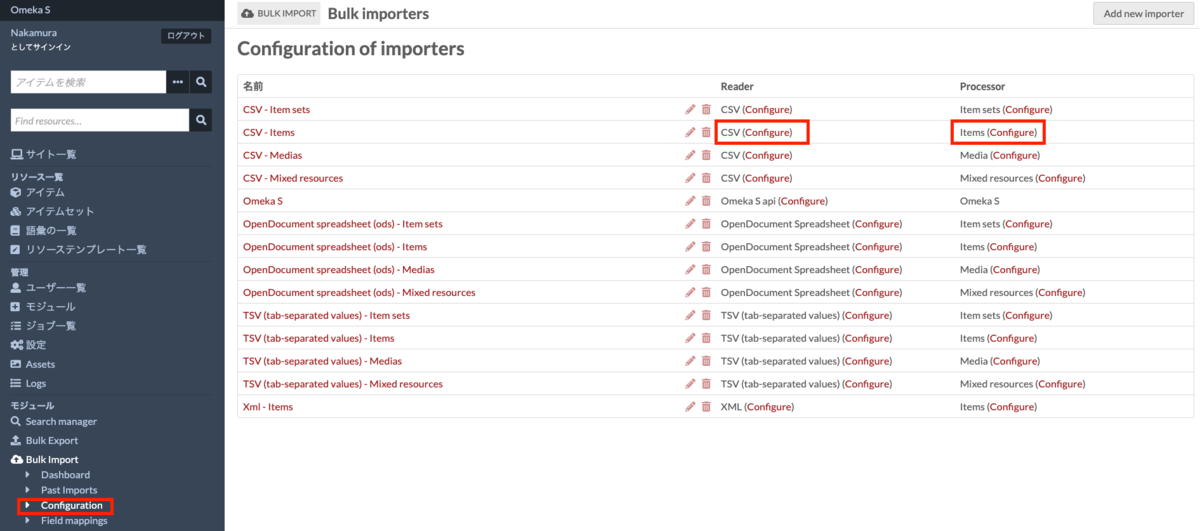
I have written the following articles about batch registration and updating using Bulk Import. nakamura196.hatenablog.com nakamura196.hatenablog.com Since the above articles did not cover how to register resource classes, I address this here. I also provide supplementary information on how to edit Bulk Import module settings. Registering Resource Classes I have prepared a sample CSV file for registering resource classes at the following link. https://github.com/omeka-j/Omeka-S-module-BulkImport-Sample-Data/blob/main/resource_class/sample.csv The key point is to set the column name to “o:resource_class.” The cell values should be the Term values that can be confirmed in Omeka S. For example, enter values such as dctype:Collection. ...

March 11, 2022 · 2 min · Nakamura

Created a Program for Batch Updating File Owners in Google Drive

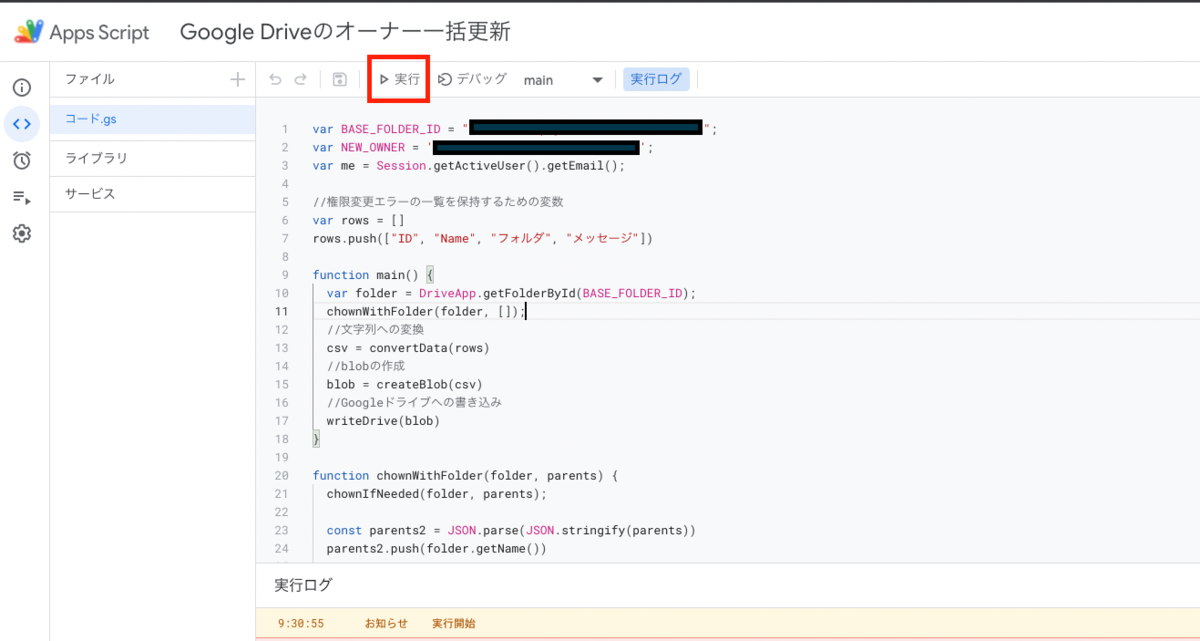
I created a program for batch updating file owners in Google Drive. Below, I explain the process separately for the person transferring ownership and the person receiving ownership. Please note that this program cannot transfer ownership of PDF or image files. The workaround for this is described later. Person Transferring Ownership Access the Google Apps Script at the following link and follow the instructions. https://script.google.com/d/1k6ZiwHNeJSvc4W7uRmc_DfSSmwGOWCbUriLBy0MpuoEAgWvcVNdyRMDa/edit?usp=sharing After navigating to the Apps Script page, press the “Run” button. ...

March 11, 2022 · 2 min · Nakamura

[Memo] Created a Program for Batch Deleting Folders on Google Drive

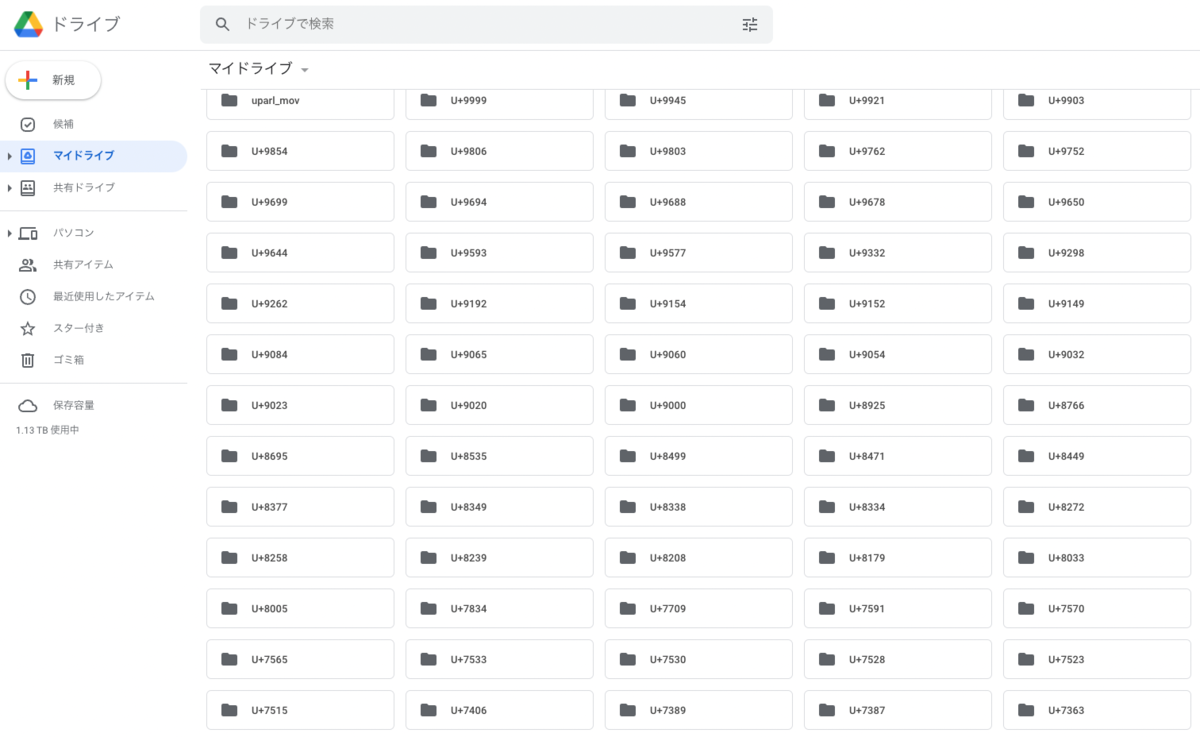
Background While working with a kuzushiji (classical Japanese character) dataset, a data processing error resulted in creating a large number of folders with Unicode names directly under My Drive. To address this issue, this article explains a program for batch deleting multiple folders on Google Drive. Note that this article primarily serves as a personal memo. Target Audience Those with knowledge of Google Cloud Platform Solution To solve this problem, we created a sample program for batch deleting folders on Google Drive. You can try it in the following Google Colaboratory notebook: ...

March 9, 2022 · 1 min · Nakamura

How to Install Omeka S Modules

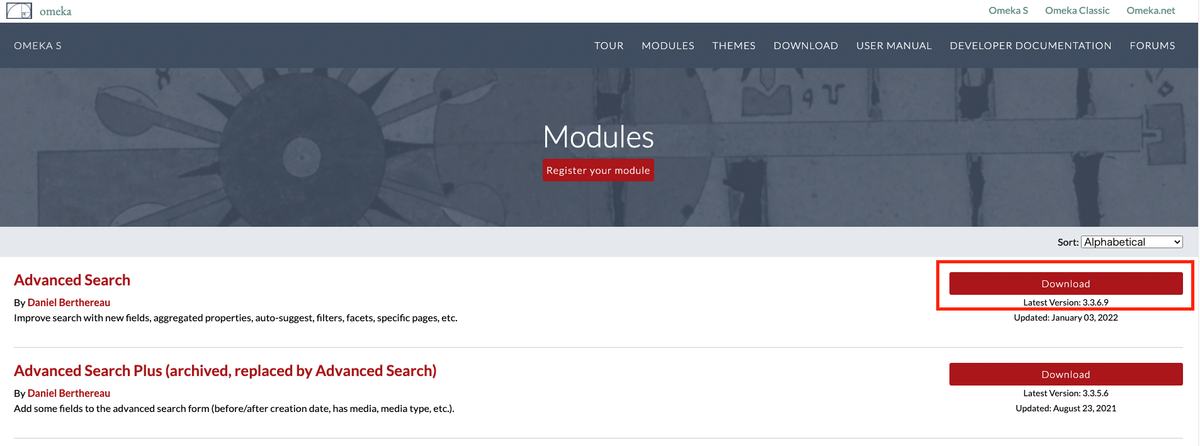
This article summarizes how to install Omeka S modules. A. From the Official Site First, you can download zip files from the official site below. https://omeka.org/s/modules/ Clicking the download button above will download a zip file. Extract the folder and place it in the modules folder within the Omeka S installation directory. This is the most basic method. An explanatory video is also available, so if this is your first time, please refer to the following video: ...

March 9, 2022 · 2 min · Nakamura

Batch Updating Metadata Using CSV Files with Bulk Import

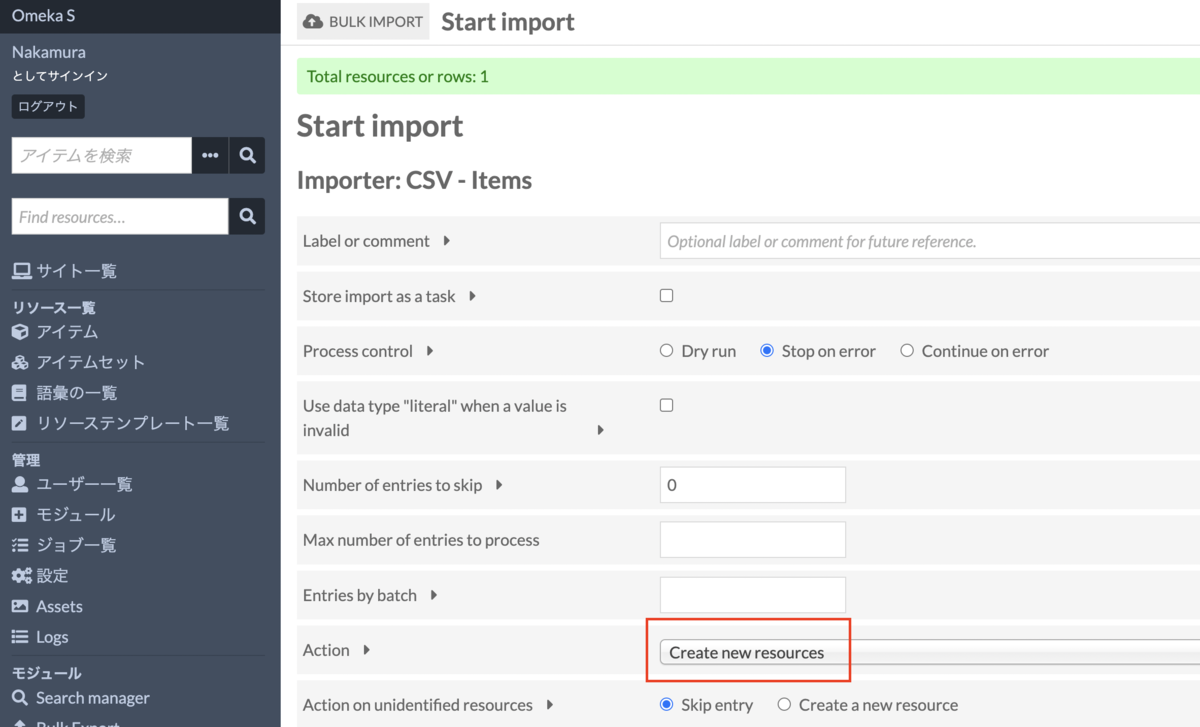
Introduction In the following article, I explained how to batch register metadata and images using CSV files with Bulk Import. nakamura196.hatenablog.com This article explains how to batch update already registered metadata. Procedure Bulk Import offers the following five options: Create new resources Append data to resources Revise data of resources Update data of resources Replace all data of resources Delete resources Below, we examine the behavior of each option. 1. Create new resources First, as with the batch registration method shared earlier, we use the “Create new resources” option. ...

March 8, 2022 · 4 min · Nakamura

Notes on Japanese Full-Text Search in Omeka S and the Mroonga Search Module

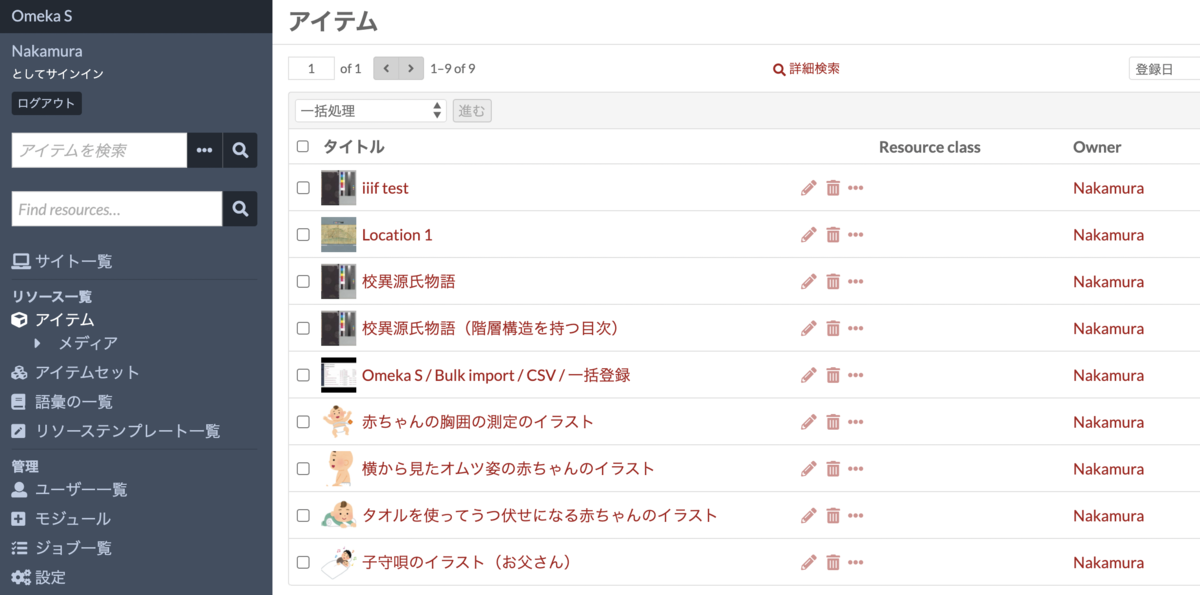
Issue Omeka S provides full-text search functionality, but unfortunately, Japanese search does not work properly with default settings. Specifically, partial match search does not function correctly. For example, assume that multiple items with titles containing the string “Koui” (校異) are registered, as shown below. When entering “校異” (Koui) in the full-text search form at the top left, the search returns 0 results. On the other hand, entering “校異源氏物語” (Koui Genji Monogatari) returns the correct search results. ...

March 7, 2022 · 3 min · Nakamura

Created a Sample Program for Analyzing TEI/XML Files with Python

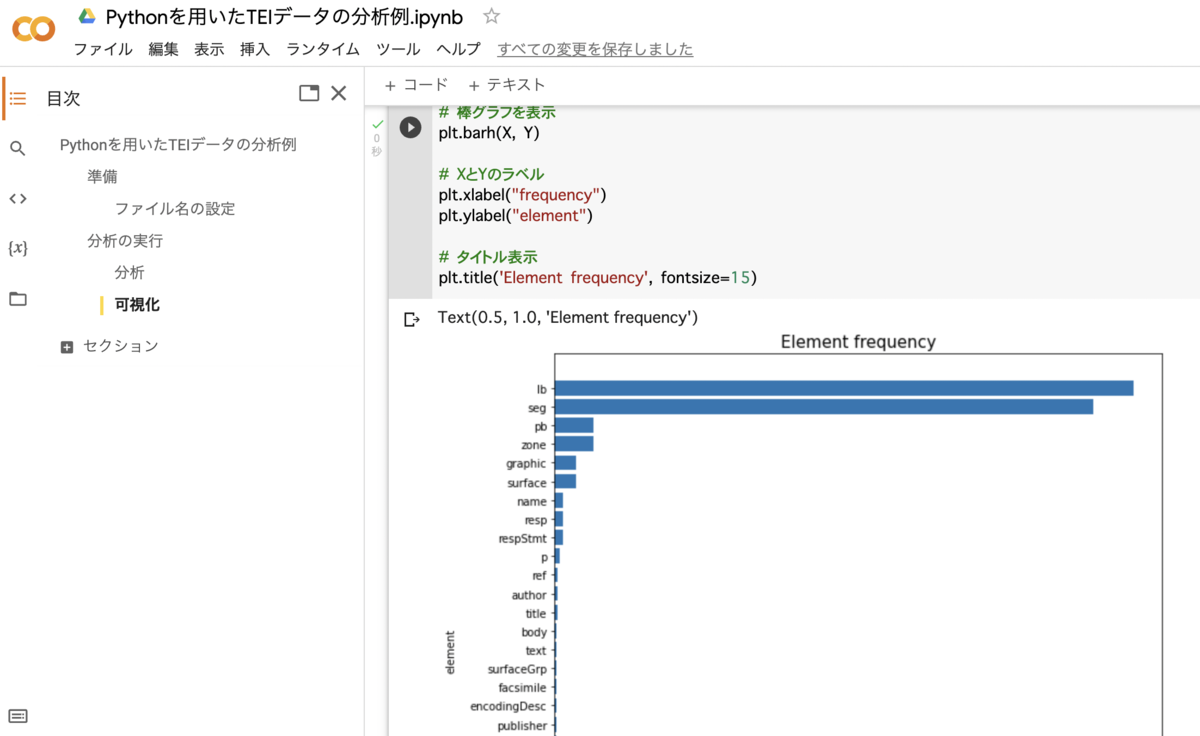
We created a sample program for analyzing TEI/XML files with Python. You can use it from the following Google Colab notebook: https://colab.research.google.com/drive/1fji80KZW8typjJMi01fyUWjrdYrNldsK We hope this serves as a useful reference for those considering the utilization of TEI data.

March 6, 2022 · 1 min · Nakamura

Created a Program for Batch Downloading Images from IIIF Manifest Files

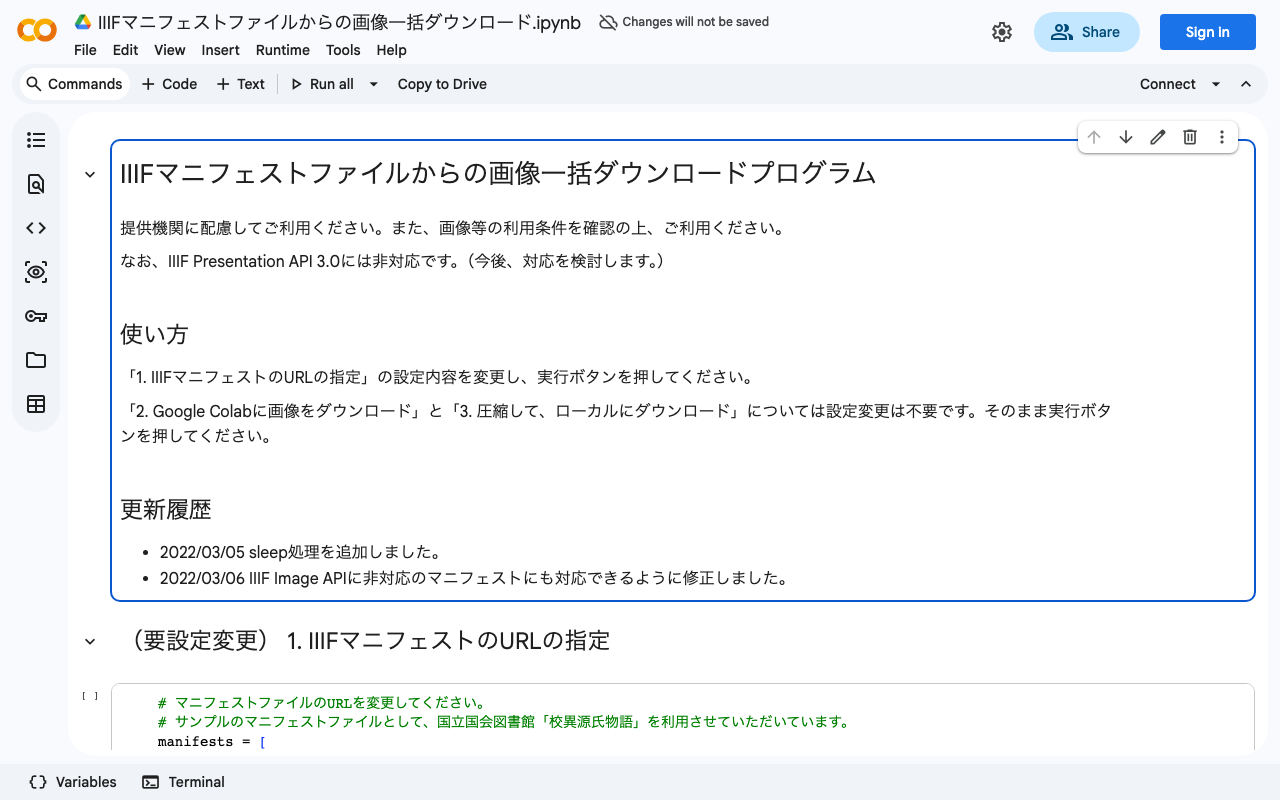
We created a program for batch downloading images from IIIF manifest files. You can use it from the following Google Colab notebook: https://colab.research.google.com/drive/1XL6cnY6fdtYTB5EdNA_B_EfqKHXZMDQJ?usp=sharing Please use it with consideration for the providing institutions. Also, please check the terms of use for the IIIF manifest before using it.

March 4, 2022 · 1 min · Nakamura

How to Use the Omeka S XML Viewer Module

Note: Using this module requires some advanced procedures. If you are considering basic use of Omeka S, please be aware of this. Overview This article explains how to use the XML Viewer module, which enables the display of XML files in Omeka S. It can be used for purposes such as displaying XML files created with TEI. gitlab.com Installation As of March 4, 2022, this module is only published on GitLab and is not available on GitHub. ...

March 4, 2022 · 3 min · Nakamura

[Pinned Post] Welcome to the Digital Archive Systems Technical Blog

This is a blog about digital archive system technologies. In particular, we write articles about Omeka, IIIF, TEI, and related topics. Information about using Omeka is summarized in the following article: Summary of Articles on Omeka S Information about using Omeka.net (Classic) is summarized in the following article: Summary of Articles on Omeka.net (Classic) Articles in the “IIIF” category can be found here: IIIF Category Article List Articles in the “TEI” category can be found here: ...

March 4, 2022 · 1 min · Nakamura

How to Use the Omeka S Mirador Module

Overview This article introduces a module that adds the Mirador viewer to Omeka S. The GitHub repository is available here: github.com Both Mirador 2 and 3 are supported. Various plugins can also be added from the settings screen. In this article, we introduce how to add the “Image tools” plugin, which enables image rotation and horizontal flipping. To use this module, you need to either give Omeka S IIIF server functionality or reference an external manifest file. We plan to cover how to set up the former in a separate article. ...

March 1, 2022 · 1 min · Nakamura

Summary of Articles About Omeka S

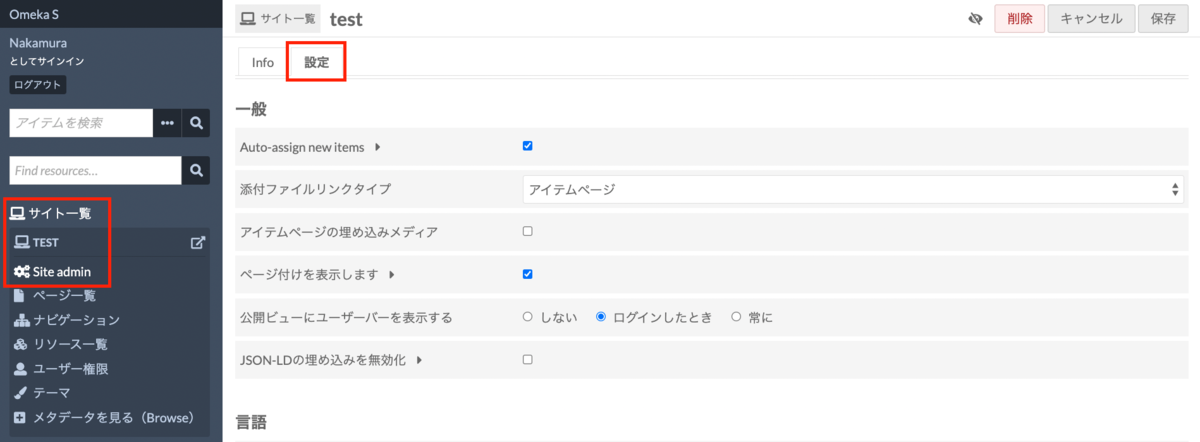
This is a summary of articles about Omeka S. (Updated periodically) Currently migrating to Zenn. For the latest articles, please check the following: zenn.dev For Users How to Install Omeka S and Add Modules Sites Auto-Adding New Items to Each Site Upon Registration Resources How to Add Existing Standard Vocabularies How to Set Language Attributes for Metadata Administration Modules How to Install Modules Identifiers How to Use Clean Url [Video] How to Use Clean Url Clean Url Module Bug and Temporary Fix Maps How to Use the Mapping Module IIIF-Related How to Set Up IIIF Server Using an External Image Server with the IIIF Server Module ...

March 1, 2022 · 2 min · Nakamura

How to Fix Errors with gdown

When using gdown, a dedicated Google Drive downloader, the following error started occurring frequently: Access denied with the following error: Cannot retrieve the public link of the file. You may need to change the permission to ‘Anyone with the link’, or have had many accesses. You may still be able to access the file from the browser: As a workaround, reinstalling gdown as follows resolved the error: !pip install -U –no-cache-dir gdown –pre ...

February 22, 2022 · 1 min · Nakamura

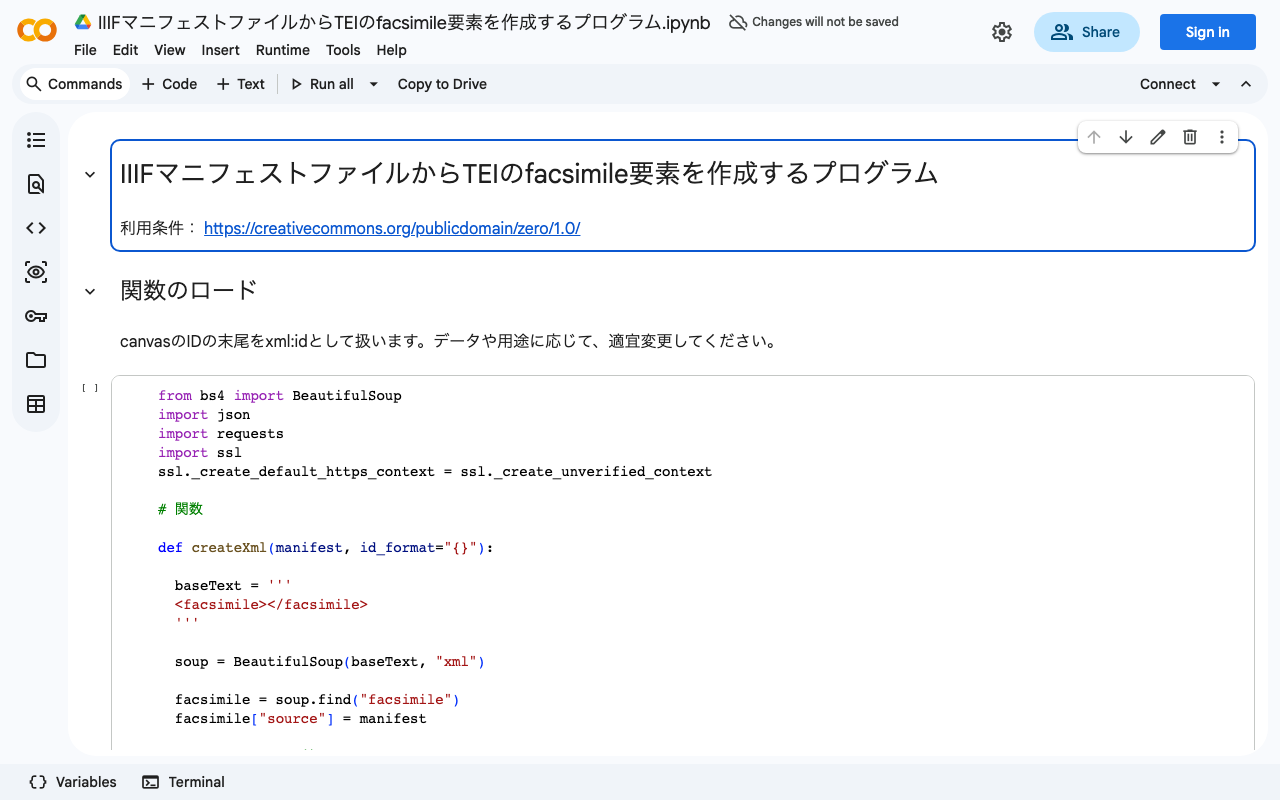
Created a Program to Generate TEI facsimile Elements from IIIF Manifest Files

We created a program to generate TEI facsimile elements from IIIF manifest files. You can try it in the following Google Colaboratory notebook: colab.research.google.com We hope this serves as a useful reference for those considering integration between IIIF and TEI.

February 22, 2022 · 1 min · Nakamura

How to Get an Element with a Specific xml:id Value Using JavaScript querySelector()

This is a memo on how to get an element with a specific xml:id value using JavaScript’s querySelector(). Specifically, for a variable called myDoc, you can retrieve the element as follows. This example gets the element with the value abc in its xml:id attribute. myDoc.querySelector("[*|id=‘abc’]") The key point is to specify it in the format *|(pipe)id. When working with TEI/XML files in JavaScript, there are cases where you need to retrieve elements using xml:id attribute values. Unlike other attributes such as type or corresp, the xml:id attribute has the prefix “xml:” in its attribute name. Therefore, you need to use the approach described above. ...

February 21, 2022 · 1 min · Nakamura

[Omeka S Development] Created a Program to Generate CSV Files for Registering Dummy Data in Omeka S

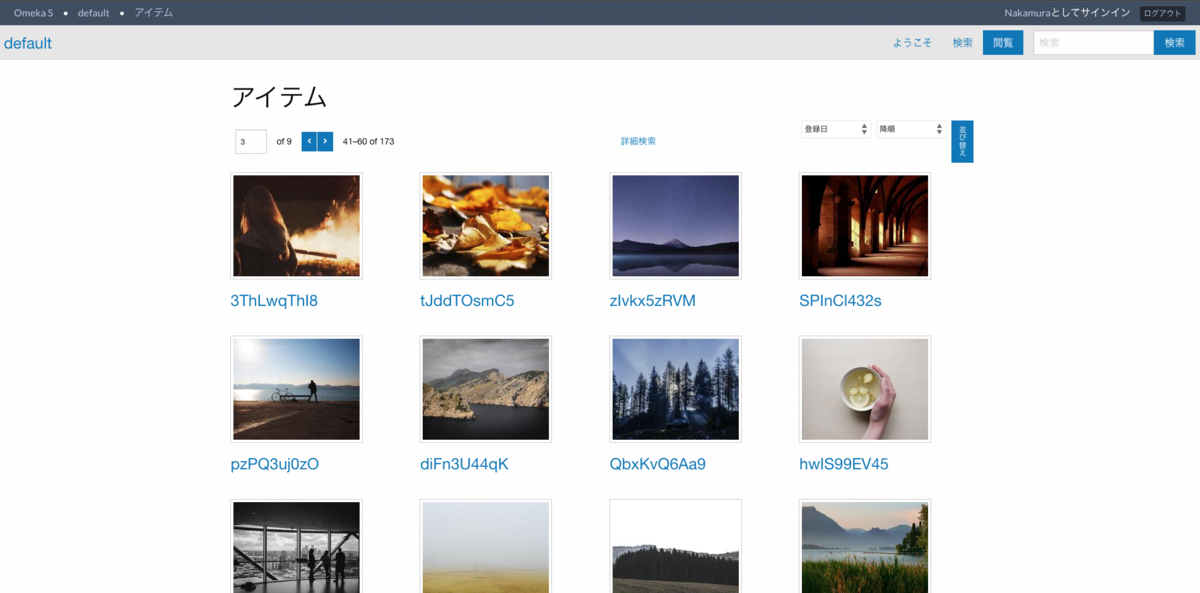
We created a program to generate CSV files for registering dummy data in Omeka S. You can use it from the following Google Colab notebook: https://colab.research.google.com/drive/1Wy865vh9GpUPyiudu1L2A6RPAPXkGPmO?usp=sharing After running it, a CSV file will be downloaded. By using this CSV file with the CSV Import module or the Bulk Import module, you can register dummy data like the following: We hope this is helpful for testing Omeka S functionality or during theme and module development. ...

February 17, 2022 · 1 min · Nakamura

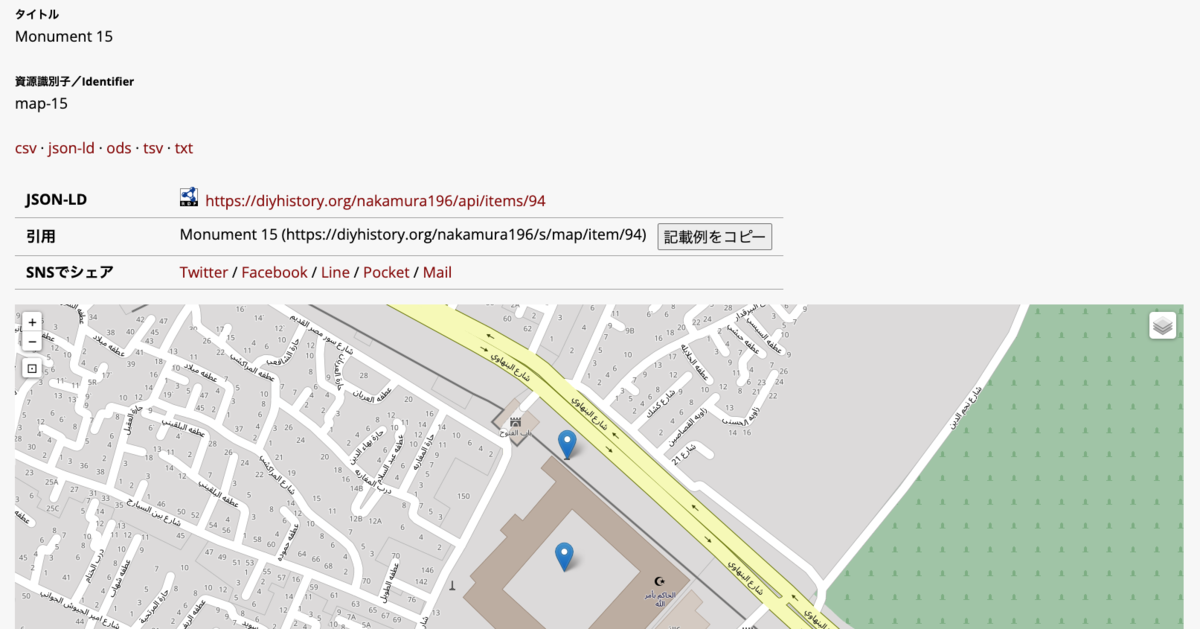
[Omeka S Module Introduction] How to Use the Mapping Module (Especially Batch Registration via the CSV Import Module)

Overview This article explains how to use the Mapping module, which adds maps to Omeka S, with a particular focus on batch registration using the CSV Import module. Omeka S - Mapping Module Installation First, install the Mapping module. Also, for batch data registration, install the CSV Import module. https://omeka.org/s/modules/CSVImport/ If the Bulk Import module is already installed, you need to disable it. Alternatively, consider applying a patch as described at the following link. ...

February 15, 2022 · 2 min · Nakamura