Created a Program to Download Data from Omeka Classic

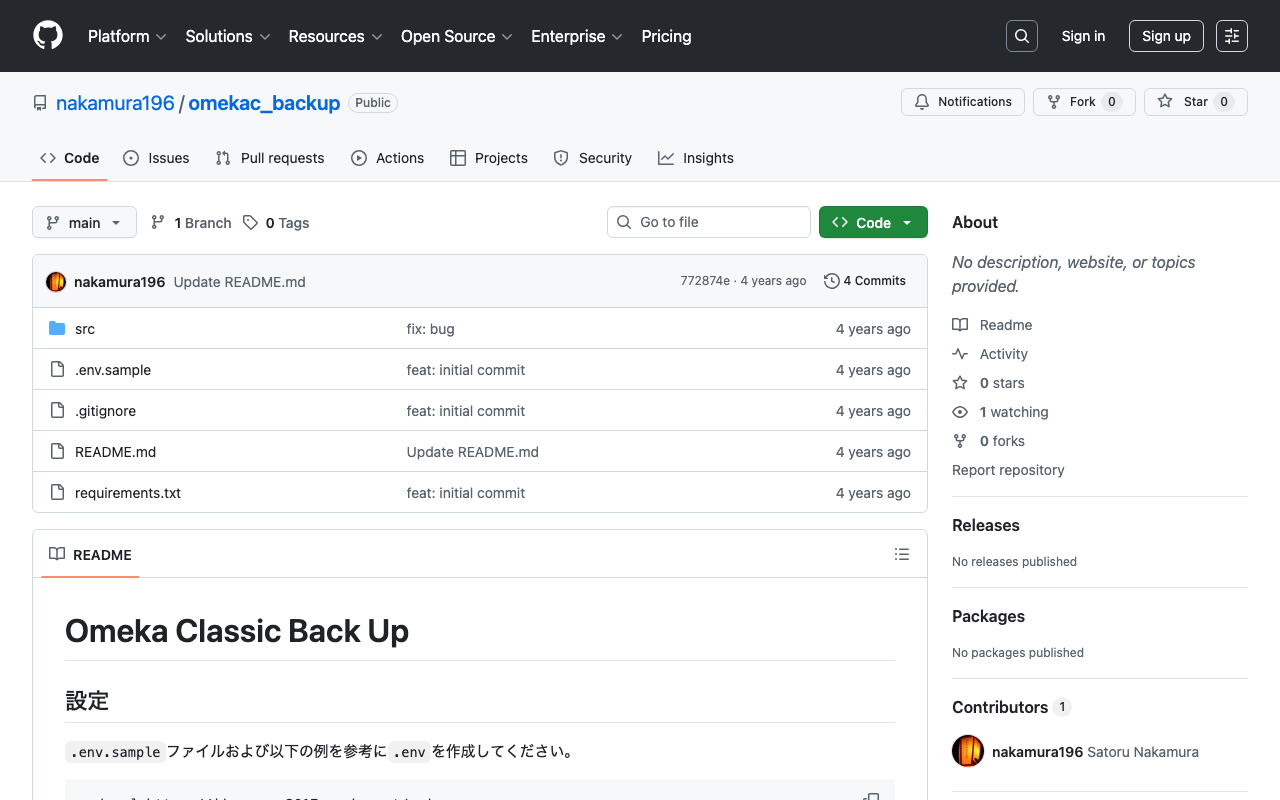
I created a program to download data from Omeka Classic. It is published in the following repository. https://github.com/nakamura196/omekac_backup I also created a Google Colab notebook that demonstrates how to run this program. https://colab.research.google.com/github/nakamura196/ndl_ocr/blob/main/omeka_classic_backup.ipynb In the above tutorial, data download is performed targeting the following Omeka Classic site. https://jinmoncom2017.omeka.net/ After execution, the API download results are output to the docs folder. You can use the above data for backups, etc. I hope this serves as a useful reference when using Omeka Classic. ...
June 23, 2022 · 1 min · Nakamura

Created a Program to Download Omeka S Data

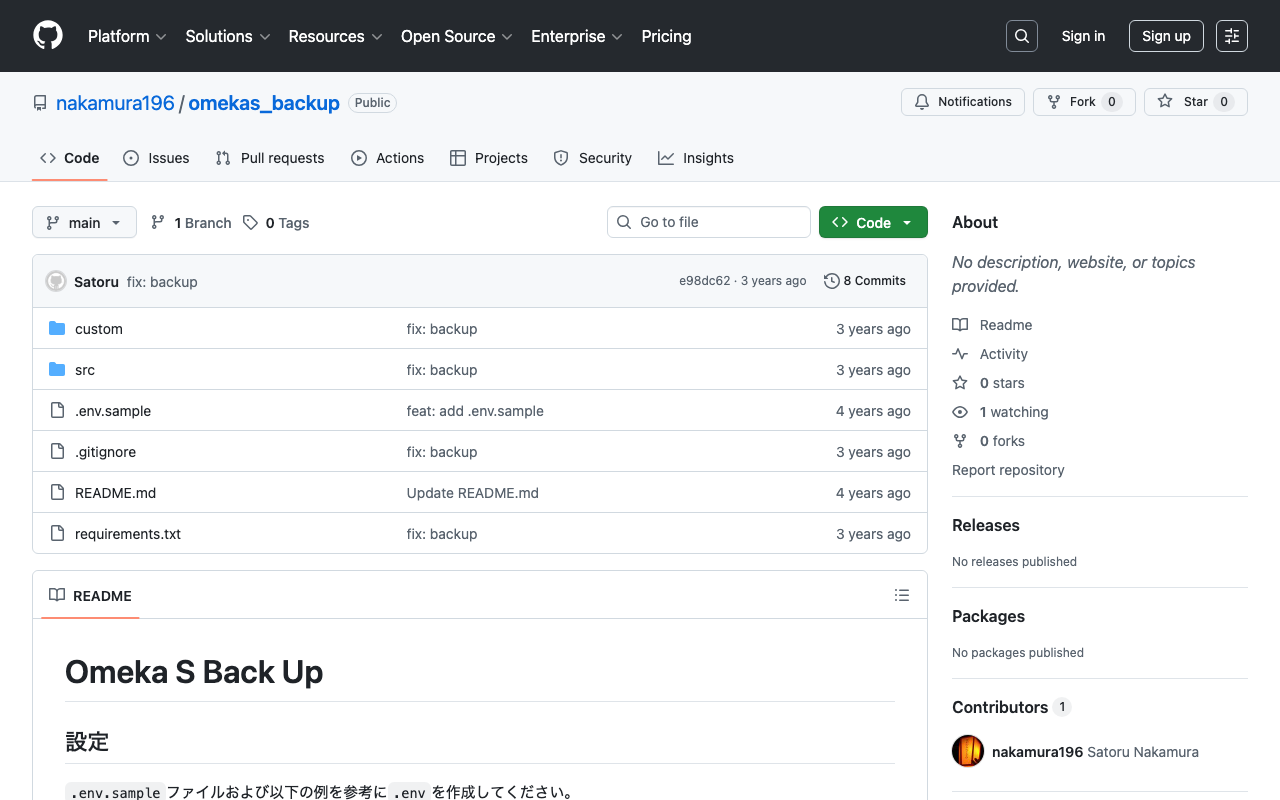
I created a program to download Omeka S data. It is published in the following repository. https://github.com/nakamura196/omekas_backup I also created a Google Colab showing an execution example of this program. https://colab.research.google.com/github/nakamura196/ndl_ocr/blob/main/omekas_backup.ipynb In the above tutorial, data download is executed targeting the following Omeka S sandbox. https://omeka.org/s/download/#sandbox After execution, API download results are output to the docs folder, and an MS Excel file summarizing them is output to the data folder. ...

June 22, 2022 · 1 min · Nakamura

How to Add the mirador-image-tools Plugin to Mirador 3 and Bundle It into a Single JS File for Distribution

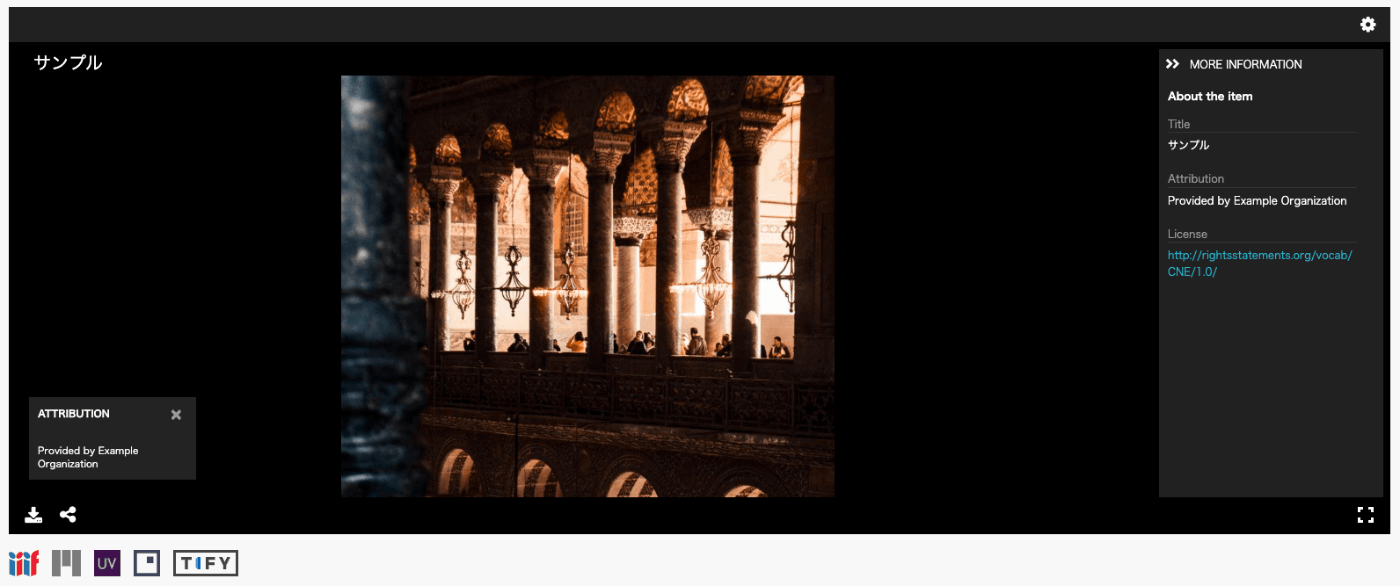
Overview As the title suggests, this article describes how to add plugins such as mirador-image-tools to Mirador 3 and bundle them into a single JS file for distribution. Due to my limited knowledge of JavaScript, there may be some inaccuracies. I would appreciate it if you could point out any mistakes. Goal The goal is to create an application like the one at the following URL by writing an HTML file as shown below. It uses Mirador 3 with the mirador-image-tools plugin enabled. ...

June 8, 2022 · 2 min · Nakamura

I Created an IIIF Image API Tool Using Nuxt 3 and Vuetify 3

Overview I created an IIIF Image API tool using Nuxt 3 and Vuetify 3. The background for developing this tool was a need to work with the IIIF Image API, as well as the purpose of learning how to use Nuxt 3. The GitHub repository is as follows. I hope it serves as a useful reference. https://github.com/nakamura196/nuxt3-vuetify3 Usage You can access it from the following URL. https://nv3.netlify.app/ As shown below, pressing the “Example” button inputs a URL into the text form at the top of the screen, and the elements contained in that URL (such as “region” and “size”) are displayed at the bottom of the screen. ...

June 7, 2022 · 1 min · Nakamura

File Upload (Python) and Download (PHP)

I had an opportunity to upload files to a server, so this is a memo of the process. The image receiving program running on the server was created in PHP. Please be careful about security. upload.php <?php $root = "./"; // Change as appropriate. $path = $_POST["path"]; $dirname = dirname($path); if (!file_exists($dirname)) { mkdir($dirname, 0755, true); } move_uploaded_file($_FILES['media']['tmp_name'], $root.$path); ?> The program to upload files via POST was created in Python. It posts the local image file and the output destination path. ...

June 3, 2022 · 1 min · Nakamura

Creating Microsoft Word Files with python-docx: Using Templates and int2kanji

Overview I had the opportunity to convert information managed in a tabular format into a vertical-writing Microsoft Word format, so here are my notes. Before conversion: Research Project Title Project Number Direct Costs Development of Digital Archive System Construction Methods Considering Sustainability and Reusability 21K18014 2600000 After conversion: The implementation uses a specified template and the “Kanjize” library for mutual conversion between numbers and kanji numerals. Creating Microsoft Word Files with python-docx First, create a Microsoft Word template file like the following. While using the specified layout, place {<variable_name>} in the parts where values should be changed. ...

May 31, 2022 · 2 min · Nakamura

[Omeka S Module] How to Disable Image API in the IIIF Server Module

Overview In the Omeka S module “IIIF Server,” which generates IIIF manifests, you can configure settings to not use the Image API. This makes it easier to deliver IIIF manifests in resource-limited environments such as rental servers. I previously wrote the following article: https://nakamura196.hatenablog.com/entry/2021/07/22/171657 As of May 2022, the configuration method has changed due to module updates, so I am writing this article about the updated settings. For the advantages and disadvantages of not using the Image API, please refer to the article above. ...

May 27, 2022 · 1 min · Nakamura

[Omeka S Theme] Partial Mapping Module Support for Bootstrap 5 Theme

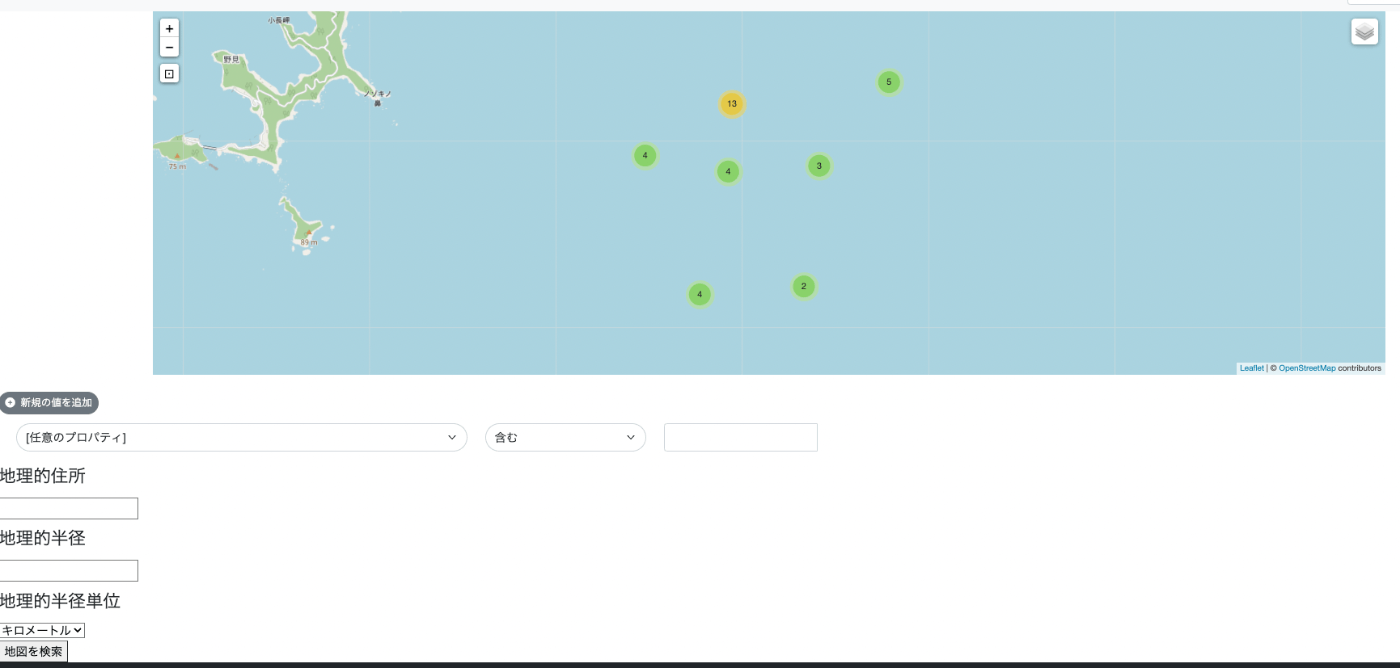
Overview For the following Omeka S theme using Bootstrap 5, when the Mapping module was installed, display issues occurred on the map-browse page as described below. https://github.com/ldasjp8/Omeka-S-theme-Bootstrap5 The fix was made as follows. https://github.com/ldasjp8/Omeka-S-theme-Bootstrap5/commit/d60c93ff6d79b5505d25ef26e31e3776f55199d4 Before Fix The geographic-related forms had display issues. After Fix The display issues with the geographic-related forms were fixed. Summary There are still pages and modules with display issues, but I plan to address them gradually. ...

May 26, 2022 · 1 min · Nakamura

[Omeka S] How to Use the "IIIF Viewers" Module for Multiple IIIF-Compatible Viewers

Overview I have developed and published the “IIIF Viewers” module for Omeka S, which displays IIIF manifest URI icons and viewers. The development of this module was supported by the National Institute of Japanese Literature. https://github.com/omeka-j/Omeka-S-module-IiifViewers Below, I will explain how to use this module. Installation The module can be installed using the standard method for Omeka S. Specifically, first click on the “Releases” link shown below. Next, click the following link to download the zip file. Extract the downloaded file and place the extracted folder “IiifViewers” into the “modules” folder of your installed Omeka S. ...

May 26, 2022 · 2 min · Nakamura

Registering DC-NDL (National Diet Library Dublin Core Metadata Description) as a Vocabulary in Omeka S

Here is how to register DC-NDL (National Diet Library Dublin Core Metadata Description) as a vocabulary in Omeka S. First, select “Vocabularies” as shown below. Next, click the button in the upper right. (The translation data for this button label is incorrect; I hope to fix it in the future.) Then, enter the required information as shown on the following screen. The specific information is as follows. Category Field Value Notes Basic Information Label DC-NDL This value is arbitrary. Basic Information Namespace URI http://ndl.go.jp/dcndl/terms/ Basic Information Namespace Prefix dcndl File Vocabulary URL https://www.ndl.go.jp/jp/dlib/standards/meta/2020/12/ndl-terms.rdf As a result, DC-NDL becomes available as a vocabulary as shown below. ...

May 25, 2022 · 1 min · Nakamura

Sample Notebook for Fetching Google Spreadsheet Data from Google Colab

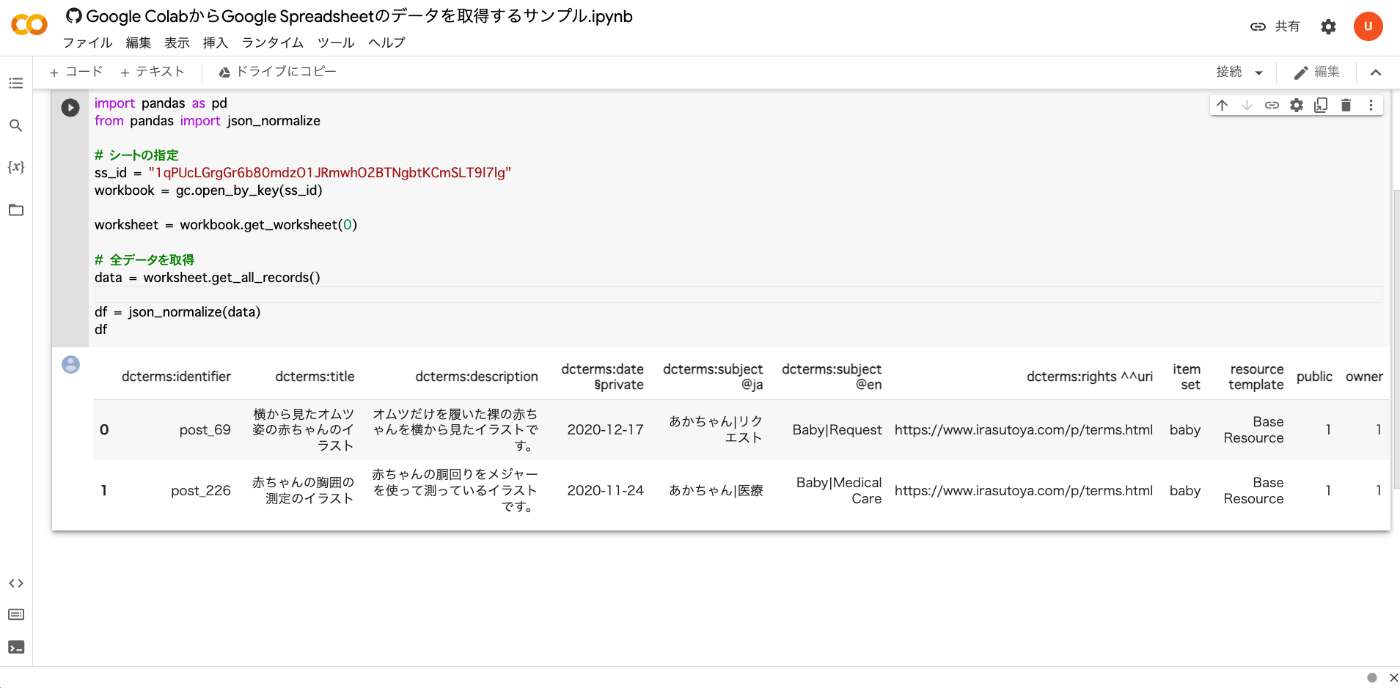
I created a sample notebook for fetching Google Spreadsheet data from Google Colab. You can try it from the following link. https://colab.research.google.com/github/nakamura196/ndl_ocr/blob/main/Google_ColabからGoogle_Spreadsheetのデータを取得するサンプル.ipynb As shown below, you can retrieve the contents of a Google Spreadsheet. Below is the source code. from google.colab import auth auth.authenticate_user() import gspread from google.auth import default creds, _ = default() gc = gspread.authorize(creds) import pandas as pd from pandas import json_normalize # Specify the sheet ss_id = "<Google Spreadsheet ID>" workbook = gc.open_by_key(ss_id) worksheet = workbook.get_worksheet(0) # Fetch all data data = worksheet.get_all_records() df = json_normalize(data) df I hope this serves as a useful reference. ...

May 25, 2022 · 1 min · Nakamura

Memo: Specifying a Profile When Running sam deploy

Specify a profile when deploying as follows. sam deploy --guided --profile <profile-name>

May 21, 2022 · 1 min · Nakamura

Resolving "Error building docker image" During Local Development with AWS SAM

When doing local development with AWS SAM, I follow these steps: sam init --runtime=python3.8 cd sam-app sam local start-api However, when running the above, the following error sometimes occurred: samcli.commands.local.cli_common.user_exceptions.ImageBuildException: Error building docker image: pull access denied for public.ecr.aws/sam/emulation-python3.8, repository does not exist or may require 'docker login': denied: Your authorization token has expired. Reauthenticate and try again. Running the following command resolved the error. The region may need to be adjusted for your environment: ...

May 21, 2022 · 1 min · Nakamura

Simple Backup of Omeka S Using gdrive

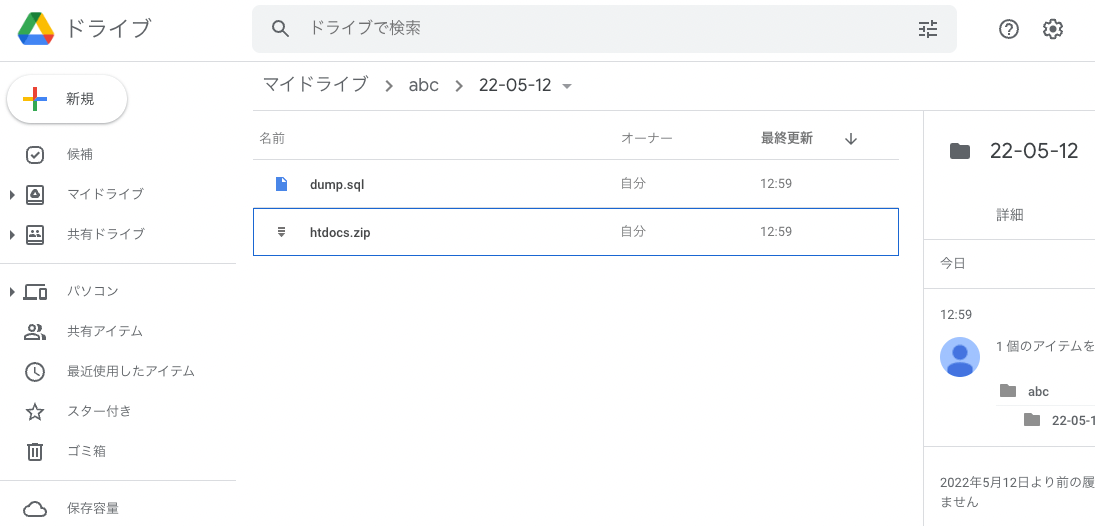
Overview This is a memo on how to perform simple backups of Omeka S using gdrive. As an example, we target Omeka S installed on a LAMP environment launched on Amazon Lightsail. Please refer to the following for installation instructions. Installing gdrive This time, we will back up files to Google Drive. For this purpose, we use gdrive. Please install gdrive by referring to the following article. Prepare a Backup Script In the $HOME directory, create a file such as backup.sh. An example of the file contents is as follows. ...

May 12, 2022 · 2 min · Nakamura

Using gdrive in a LAMP environment started with Amazon Lightsail

Overview Memorandum for using gdrive in a LAMP environment started with Amazon Lightsail, allowing backup of files to Google Drive, etc. Procedure First, access Amazon Lightsail and press the following “Connect using SSH” button on the target instance. You can access the server as follows. Linux ip-172-26-5-202 4.19.0-19-cloud-amd64 #1 SMP Debian 4.19.232-1 (2022-03-07) x86_64 The programs included with the Debian GNU/Linux system are free software; The programs included with the Debian GNU/Linux system are free software; the exact distribution terms for each program are described in the The programs included with the Debian GNU/Linux system are free software; the exact distribution terms for each program are described in the /usr/share/doc/*/copyright. The programs included with the Debian GNU/Linux system are free software; the exact distribution terms for each program are described in the individual files in /usr/share/doc/*/copyright. Debian GNU/Linux comes with ABSOLUTELY NO WARRANTY, to the extent permitted by applicable law. ___ _ _ _ _ _ | _ _ |_) |_ _ _ _ _ _ _ _ _ _ _ __ (_) | _ _ \ \ \}/ _| ' \}/ _` | ' \} |___/_|\__|_|_|\__,_|_|_|_|_|_| *** Welcome to the LAMP packaged by Bitnami 7.4.28-14 *** *** Documentation: https://docs.bitnami.com/aws/infrastructure/lamp/ *** *** https://docs.bitnami.com/aws/ *** *** Bitnami Forums: https://community.bitnami.com/ *** Last login: Thu May 12 03:25:13 2022 from 72.21.217.186 bitnami@ip-172-26-5-202:~$ Install golang Install golang as follows. ...

May 12, 2022 · 2 min · Nakamura

Using gdrive in a LAMP Environment on Amazon Lightsail

Overview This is a memo for using gdrive in a LAMP environment launched on Amazon Lightsail. This enables file backups to Google Drive, among other things. Steps First, access Amazon Lightsail and press the “Connect using SSH” button on the target instance. You can access the server as shown below. Linux ip-172-26-5-202 4.19.0-19-cloud-amd64 #1 SMP Debian 4.19.232-1 (2022-03-07) x86_64 The programs included with the Debian GNU/Linux system are free software; the exact distribution terms for each program are described in the individual files in /usr/share/doc/*/copyright. Debian GNU/Linux comes with ABSOLUTELY NO WARRANTY, to the extent permitted by applicable law. ___ _ _ _ | _ |_) |_ _ _ __ _ _ __ (_) | _ \ | _| ' \/ _` | ' \| | |___/_|\__|_|_|\__,_|_|_|_|_| *** Welcome to the LAMP packaged by Bitnami 7.4.28-14 *** *** Documentation: https://docs.bitnami.com/aws/infrastructure/lamp/ *** *** https://docs.bitnami.com/aws/ *** *** Bitnami Forums: https://community.bitnami.com/ *** Last login: Thu May 12 03:25:13 2022 from 72.21.217.186 bitnami@ip-172-26-5-202:~$ Installing golang Install golang as follows. ...

May 12, 2022 · 2 min · Nakamura

What to do when

Overview When creating a large number of files on a shared drive, I encountered an error message “An error has occurred in Google Drive. and the file could not be saved. The cause of the above may be that the file was caught by the shared drive limitation shown below. https://support.google.com/a/answer/7338880?hl=en *The maximum number of items that can be stored on a shared drive The maximum number of items that can be stored on a shared drive is 400,000. This includes files, folders, and shortcuts. * ...

May 9, 2022 · 3 min · Nakamura

How to Fix "An error occurred in Google Drive": Script to Empty Shared Drive Trash

Overview When creating a large number of files in a shared drive, I encountered a situation where “An error occurred in Google Drive” was displayed and files could no longer be saved. The likely cause was hitting the following shared drive limitations. https://support.google.com/a/answer/7338880?hl=ja Maximum number of items in a shared drive A shared drive can contain a maximum of 400,000 items. This includes files, folders, and shortcuts. Daily upload limit Individual users can upload up to 750 GB per day to My Drive and all shared drives. ...

May 6, 2022 · 3 min · Nakamura

Running gcv2hocr on Google Colab: Creating Searchable PDFs with Transparent Text Using Google Vision API

Overview gcv2hocr is a repository that converts Google Cloud Vision OCR output to hOCR format and creates searchable PDFs. https://github.com/dinosauria123/gcv2hocr I created a notebook to run the above repository on Google Colab. https://colab.research.google.com/github/nakamura196/ndl_ocr/blob/main/gcv2hocrの実行サンプル.ipynb As shown below, you can create searchable PDF files. How to Use Access the following notebook. https://colab.research.google.com/github/nakamura196/ndl_ocr/blob/main/gcv2hocrの実行サンプル.ipynb First, obtain an API key to use the Google Cloud Vision API. The following article may be helpful. https://zenn.dev/tmitsuoka0423/articles/get-gcp-api-key ...

May 3, 2022 · 1 min · Nakamura

How to Delete Files on Google Drive Using Google Colab

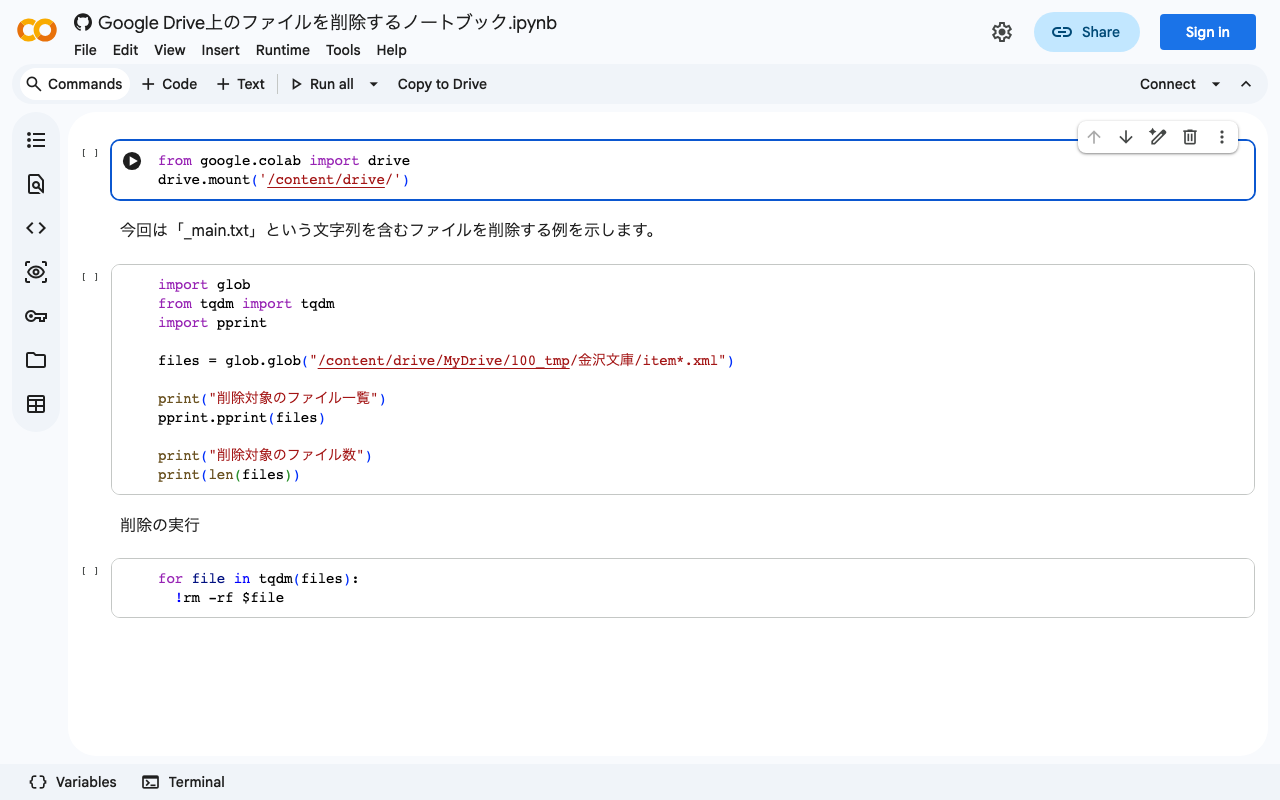
I created a notebook that demonstrates how to delete files on Google Drive using Google Colab. I hope this is useful when you have accidentally created a large number of unnecessary files on Google Drive. https://colab.research.google.com/github/nakamura196/ndl_ocr/blob/main/Google_Drive上のファイルを削除するノートブック.ipynb

May 2, 2022 · 1 min · Nakamura