Prototype npm Package for Displaying Popups on Selected Text

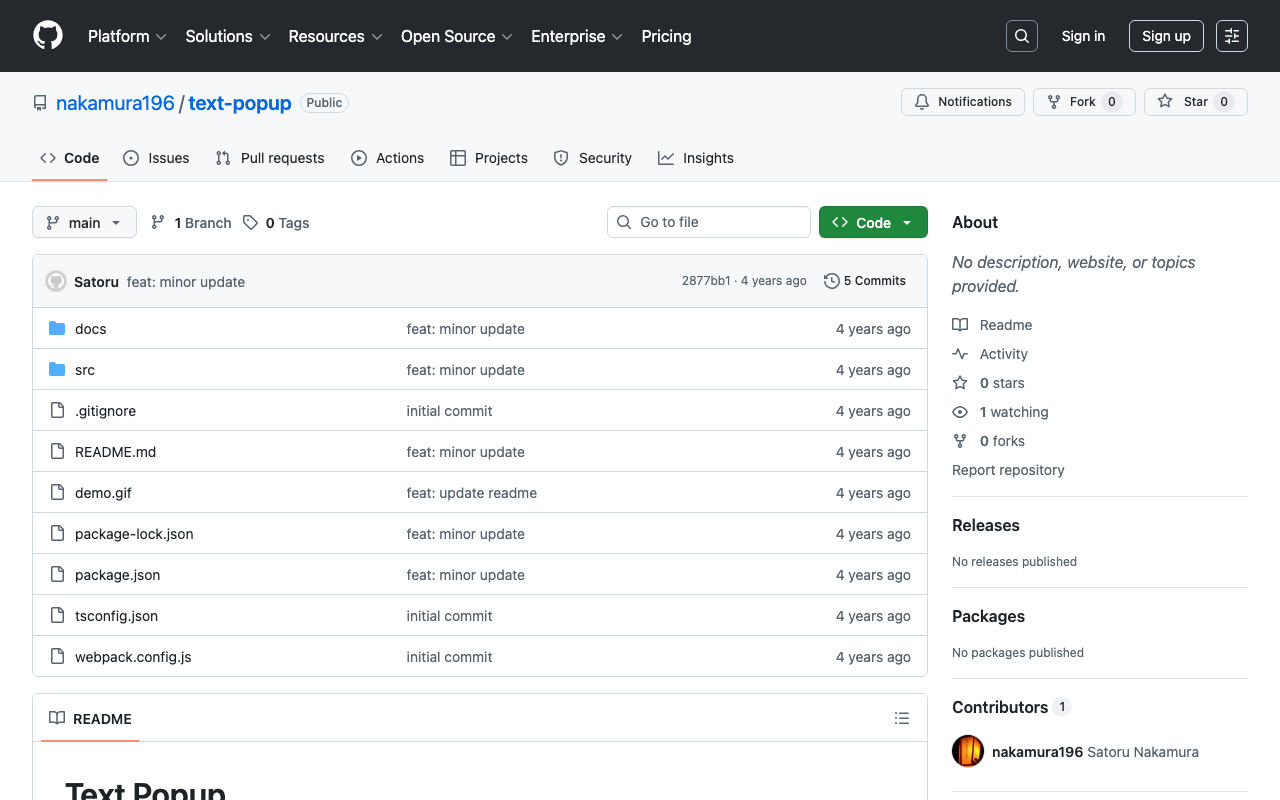
I created a prototype npm package that displays a popup for selected text on a website. npm https://www.npmjs.com/package/@nakamura196/text-popup Source code https://github.com/nakamura196/text-popup Demo page https://nakamura196.github.io/text-popup/ The following article was used as a reference for development. https://zenn.dev/nino_cast/articles/98a0a87f58026f You can try it by adding the following two lines to your website. <script src="https://cdn.jsdelivr.net/npm/@nakamura196/text-popup/dist/main.min.js"></script> <script>textPopup();</script> I hope this is helpful as a reference for developing and publishing npm libraries.

October 1, 2022 · 1 min · Nakamura

Converting TEI/XML Files to EPUB Using Python

Overview I had the opportunity to convert TEI/XML files to EPUB using Python, so here are my notes. While Oxygen XML Editor is one method for converting TEI/XML files to EPUB, this time I used the Python library “EbookLib.” I referenced the following article. https://dev.classmethod.jp/articles/try-create-epub-by-python-ebooklib/ In particular, this time the goal is to create a vertical-text EPUB from the TEI/XML files published in the “Koui Genji Monogatari Text Data Repository.” ...

September 30, 2022 · 1 min · Nakamura

[Omeka S Module Development] Updating IIIF Viewers

Overview I made feature improvements to the Omeka S module “IIIF Viewers,” which configures IIIF manifest icons and multiple IIIF-compatible viewers. https://github.com/omeka-j/Omeka-S-module-IiifViewers Along with these improvements, version 1.1.0 has been released. https://github.com/omeka-j/Omeka-S-module-IiifViewers/releases/tag/1.1.0 For the release, the method described in the following article was used. The specific improvements are described below. Fixing IIIF Manifest Icon URLs As mentioned in the following article, there was a bug where the IIIF manifest icon could not be loaded into other viewers via drag and drop. This improvement fixes that bug. ...

September 26, 2022 · 2 min · Nakamura

Supporting Drag & Drop for IIIF Icons

Background IIIF (International Image Interoperability Framework) icons (specifically, IIIF manifest URLs) support loading via drag & drop in many IIIF-compatible viewers. However, I received feedback that the IIIF icons displayed by the following module did not support drag & drop. https://github.com/omeka-j/Omeka-S-module-IiifViewers I investigated the cause by referring to the following page, among others. https://zimeon.github.io/iiif-dragndrop/ As a result, I found that the following HTML markup is required. <a href="default_target?manifest=manifest_URI&canvas=canvas_URI"> <img src="iiif-dragndrop-100px.png" alt="IIIF Drag-n-drop"/> </a> Not conforming to the above pattern was the cause of the drag & drop issue in the aforementioned module. ...

September 22, 2022 · 2 min · Nakamura

Creating a GitHub Release Script for Omeka S Module Development

I created a GitHub release script for Omeka S module development. For this development, I referenced the GitHub repository usage of Daniel-KM, who has developed numerous Omeka S modules. Specifically, GitHub repositories are created with the naming convention “Omeka-S-module-{module name}”. Example: https://github.com/Daniel-KM/Omeka-S-module-EasyInstall For releases, they are tagged with “{module name}-{version}” and a file named “{module name}-{version}.zip” is attached. Example: https://github.com/Daniel-KM/Omeka-S-module-EasyInstall/releases/tag/3.3.6 When this zip file is extracted, a folder named “{module name}” is created. This is necessary because Omeka S requires the module folder name to match the module name. ...

September 22, 2022 · 1 min · Nakamura

How to Extract and Process Only Text Strings from XML Files

I had the opportunity to extract and process only text strings from XML files. For this need, I was able to achieve it with the following script. soup = BeautifulSoup(open(path,'r'), "xml") elements = soup.findChildren(text=True, recursive=True) The key point is passing text=True, which allows you to retrieve only text nodes. I hope this serves as a useful reference.

September 22, 2022 · 1 min · Nakamura

I Created an API That Returns a List of Items Containing a Specified IIIF Manifest in Cultural Japan

I created an API that returns a list of items containing a specified IIIF manifest in Cultural Japan. The API documentation is available at the following link. https://petstore.swagger.io/?url=https://api.cultural.jp/v3/api-docs Here is an example request. https://api.cultural.jp/v3/items/urls?manifest=https://iiif.harvardartmuseums.org/manifests/object/215190 For the API development, I used express-openapi and deployed it using AWS Lambda, referencing the following article. https://www.forcia.com/blog/002471.html I hope this serves as a useful reference for utilizing Cultural Japan.

September 20, 2022 · 1 min · Nakamura

Batch Download Script for Omeka S Modules

I have created a script to batch download the modules I frequently use in Omeka S. I plan to update it gradually. I hope this serves as a helpful reference. # Module ## CustomOntology version=3.3.5.1 name=CustomOntology wget https://github.com/Daniel-KM/Omeka-S-module-$name/releases/download/$version/$name-$version.zip unzip $name-$version.zip rm $name-$version.zip ## IIIF Server version=3.6.6.7 name=IiifServer wget https://github.com/Daniel-KM/Omeka-S-module-$name/releases/download/$version/$name-$version.zip unzip $name-$version.zip rm $name-$version.zip ## Universal Viewer version=3.6.4.5 name=UniversalViewer wget https://github.com/Daniel-KM/Omeka-S-module-$name/releases/download/$version/$name-$version.zip unzip $name-$version.zip rm $name-$version.zip ## iiif viewers wget https://github.com/omeka-j/Omeka-S-module-IiifViewers/releases/download/1.1.0/IiifViewers-1.1.0.zip unzip IiifViewers-1.1.0.zip rm IiifViewers-1.1.0.zip ## easy admin wget https://github.com/Daniel-KM/Omeka-S-module-EasyAdmin/releases/download/3.3.7/EasyAdmin-3.3.7.zip unzip EasyAdmin-3.3.7.zip rm EasyAdmin-3.3.7.zip

September 14, 2022 · 1 min · Nakamura

[Memo] MapTiler Light and Dark Themes

While searching for a simple map, I came across MapTiler. https://www.maptiler.com/ Specifically, the following Basic Light looked good, https://www.maptiler.com/maps/#784b0675-dce5-4a4f-b16c-0d8e06442314//vector/3/-122.45/37.79 as did the following Basic Dark. https://www.maptiler.com/maps/#74f0e2cf-0dc3-46ba-98ed-c2395d4c71e2//vector/3/-122.45/37.79 However, when I tried to use the above maps from the My Cloud page, I had difficulty finding them. In the end, I was able to reach them from the following URLs respectively. Theme URL Basic Light https://cloud.maptiler.com/maps/positron/ Basic Dark https://cloud.maptiler.com/maps/darkmatter/ I hope this serves as a useful reference for anyone encountering the same issue. ...

September 12, 2022 · 1 min · Nakamura

Omeka S Theme Development: Fixed a Bug in the Bootstrap 5 Omeka S Theme

I have published a Bootstrap 5-based Omeka S theme at the following link. https://github.com/ldasjp8/Omeka-S-theme-Bootstrap5 How to use this theme is introduced in the following article. As noted in the above article, there had been a bug with the display style option. This bug has been fixed in the following commit. https://github.com/ldasjp8/Omeka-S-theme-Bootstrap5/commit/3b456277fe4f75cdcc0044a0fe0df7e7e2e14156 I hope this is helpful for those using this theme.

September 12, 2022 · 1 min · Nakamura

Script for Initial Setup of Omeka S on Amazon Lightsail

I created a script for the initial setup of Omeka S on Amazon Lightsail. I hope this serves as a useful reference when using Omeka S with Amazon Lightsail. # 変数 OMEKA_PATH=/home/bitnami/htdocs/omeka-s ## ハイフンは含めない DBNAME=omeka_s VERSION=3.2.3 ############# set -e mkdir $OMEKA_PATH # Omekaのダウンロード wget https://github.com/omeka/omeka-s/releases/download/v$VERSION/omeka-s-$VERSION.zip unzip -q omeka-s-$VERSION.zip mv omeka-s/* $OMEKA_PATH # .htaccessの移動 mv omeka-s/.htaccess $OMEKA_PATH # 不要なフォルダの削除 rm -rf omeka-s rm omeka-s-$VERSION.zip # 元からあったindex.htmlを削除(もし存在すれば) if [ -e $OMEKA_PATH/index.html ]; then rm $OMEKA_PATH/index.html fi # データベースの作成 cat <<EOF > sql.cnf [client] user = root password = $(cat /home/bitnami/bitnami_application_password) host = localhost EOF mysql --defaults-extra-file=sql.cnf -e "create database $DBNAME"; # Omeka Sの設定 cat <<EOF > $OMEKA_PATH/config/database.ini user = root password = $(cat bitnami_application_password) dbname = $DBNAME host = localhost EOF sudo chown -R daemon:daemon $OMEKA_PATH/files sudo apt install imagemagick -y

September 9, 2022 · 1 min · Nakamura

Specifying the Initial Specification to Display in Swagger UI Demo via GET Parameter

The Swagger UI demo is available at the following link. https://petstore.swagger.io/ By appending ?url=(URL to a JSON or YAML file) to the above URL, you can specify the initial specification to display. Here, we will use the following publicly available examples. https://github.com/OAI/OpenAPI-Specification For example, you can specify it as follows. https://petstore.swagger.io/?url=https://raw.githubusercontent.com/OAI/OpenAPI-Specification/main/examples/v3.0/api-with-examples.yaml I hope this serves as a useful reference when sharing specifications with others.

September 9, 2022 · 1 min · Nakamura

Output Content of IIIF Manifests (Version 2) from the Omeka S IIIF Server

Overview IIIF Server is a module for delivering IIIF manifests from Omeka S. https://github.com/Daniel-KM/Omeka-S-module-IiifServer In this article, we examine the output content of these IIIF manifests (specifically, IIIF Presentation API version 2). Example The following is an example of a IIIF manifest for an item with ID test-111 on an Omeka S instance published at https://shared.ldas.jp/omeka-s. { "@context": "http://iiif.io/api/presentation/2/context.json", "@id": "https://shared.ldas.jp/omeka-s/iiif/test-111/manifest", "@type": "sc:Manifest", "label": "Sample Item", "thumbnail": { "@id": "https://iiif.dl.itc.u-tokyo.ac.jp/iiif/kunshujou/A00_6010/001/001_0001.tif/full/!200,200/0/default.jpg", "@type": "dctypes:Image", "format": "image/jpeg", "width": 200, "height": 200 }, "license": "https://shared.ldas.jp/omeka-s/s/test/page/reuse", "attribution": "サンプル機関", "related": { "@id": "https://shared.ldas.jp/omeka-s", "format": "text/html" }, "seeAlso": { "@id": "https://shared.ldas.jp/omeka-s/api/items/1270", "format": "application/ld+json" }, "metadata": [ { "label": "Title", "value": "Sample Item" }, { "label": "Identifier", "value": "test-111" } ], "sequences": [ { "@id": "https://shared.ldas.jp/omeka-s/iiif/test-111/sequence/normal", "@type": "sc:Sequence", "label": "Current Page Order", "viewingDirection": "left-to-right", "canvases": [ { "@id": "https://shared.ldas.jp/omeka-s/iiif/test-111/canvas/p1", "@type": "sc:Canvas", "label": "1", "thumbnail": { "@id": "https://iiif.dl.itc.u-tokyo.ac.jp/iiif/kunshujou/A00_6010/001/001_0001.tif/full/!200,200/0/default.jpg", "@type": "dctypes:Image", "format": "image/jpeg", "width": 200, "height": 200 }, "width": 6401, "height": 4810, "images": [ { "@id": "https://shared.ldas.jp/omeka-s/iiif/test-111/annotation/p0001-image", "@type": "oa:Annotation", "motivation": "sc:painting", "resource": { "@id": "https://iiif.dl.itc.u-tokyo.ac.jp/iiif/kunshujou/A00_6010/001/001_0001.tif/full/full/0/default.jpg", "@type": "dctypes:Image", "format": "image/jpeg", "width": 6401, "height": 4810, "service": { "@context": "http://iiif.io/api/image/2/context.json", "@id": "https://iiif.dl.itc.u-tokyo.ac.jp/iiif/kunshujou/A00_6010/001/001_0001.tif", "profile": "http://iiif.io/api/image/2/level1.json" } }, "on": "https://shared.ldas.jp/omeka-s/iiif/test-111/canvas/p1" } ] }, { "@id": "https://shared.ldas.jp/omeka-s/iiif/test-111/canvas/p2", "@type": "sc:Canvas", "label": "2枚目", "thumbnail": { "@id": "https://iiif.dl.itc.u-tokyo.ac.jp/iiif/kunshujou/A00_6010/001/001_0002.tif/full/!200,200/0/default.jpg", "@type": "dctypes:Image", "format": "image/jpeg", "width": 200, "height": 200 }, "width": 6401, "height": 4810, "images": [ { "@id": "https://shared.ldas.jp/omeka-s/iiif/test-111/annotation/p0002-image", "@type": "oa:Annotation", "motivation": "sc:painting", "resource": { "@id": "https://iiif.dl.itc.u-tokyo.ac.jp/iiif/kunshujou/A00_6010/001/001_0002.tif/full/full/0/default.jpg", "@type": "dctypes:Image", "format": "image/jpeg", "width": 6401, "height": 4810, "service": { "@context": "http://iiif.io/api/image/2/context.json", "@id": "https://iiif.dl.itc.u-tokyo.ac.jp/iiif/kunshujou/A00_6010/001/001_0002.tif", "profile": "http://iiif.io/api/image/2/level1.json" } }, "on": "https://shared.ldas.jp/omeka-s/iiif/test-111/canvas/p2" } ], "metadata": [ { "label": "Title", "value": "2枚目" } ] } ] } ] } Below, I will explain each type. ...
September 1, 2022 · 3 min · Nakamura

How to Set the xml:id Attribute with BeautifulSoup

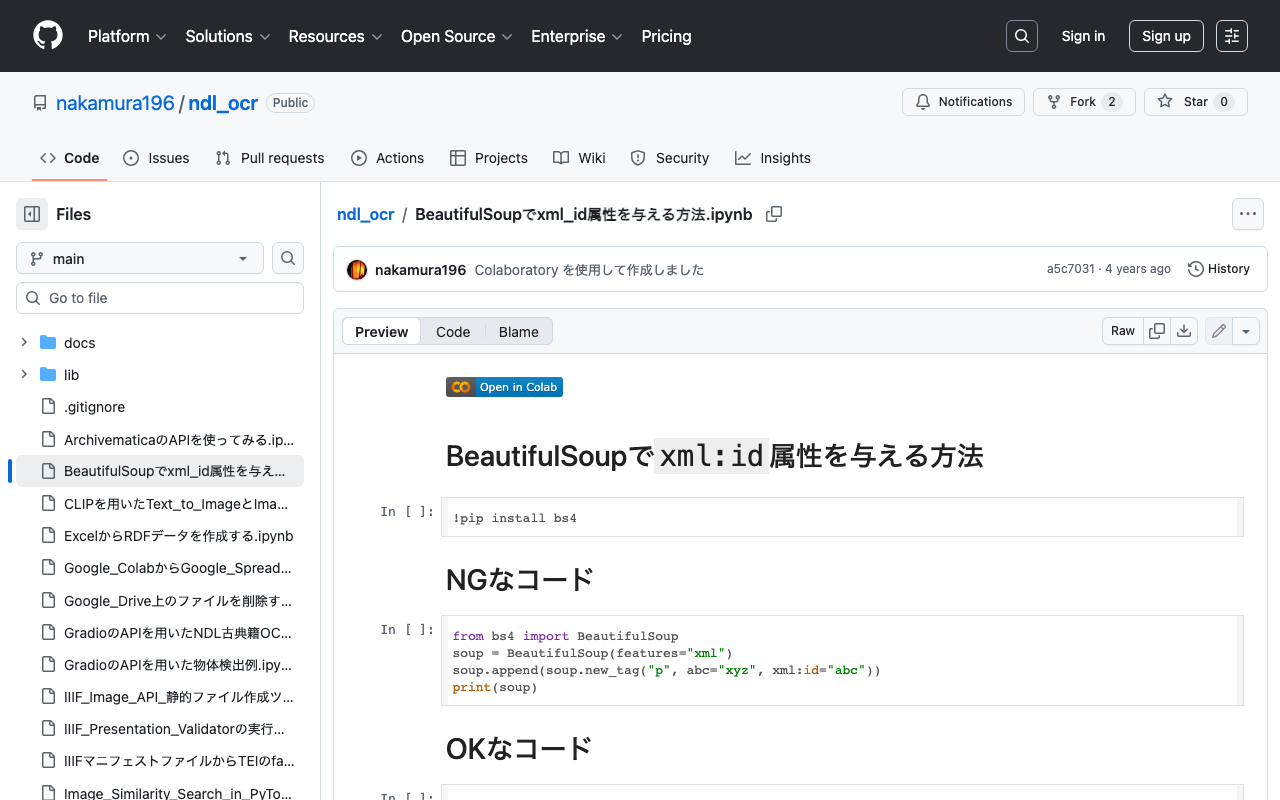
This is a memo on how to set the xml:id attribute with BeautifulSoup. The following method causes an error. from bs4 import BeautifulSoup soup = BeautifulSoup(features="xml") soup.append(soup.new_tag("p", abc="xyz", xml:id="abc")) print(soup) Writing it as follows works correctly. from bs4 import BeautifulSoup soup = BeautifulSoup(features="xml") soup.append(soup.new_tag("p", **{"abc": "xyz", "xml:id":"aiu"})) print(soup) An execution example on Google Colab is available below. https://github.com/nakamura196/ndl_ocr/blob/main/BeautifulSoupでxml_id属性を与える方法.ipynb We hope this is helpful.

August 30, 2022 · 1 min · Nakamura

[Omeka S] Created a Foundation S Theme That Works Around the Japanese Search Bug

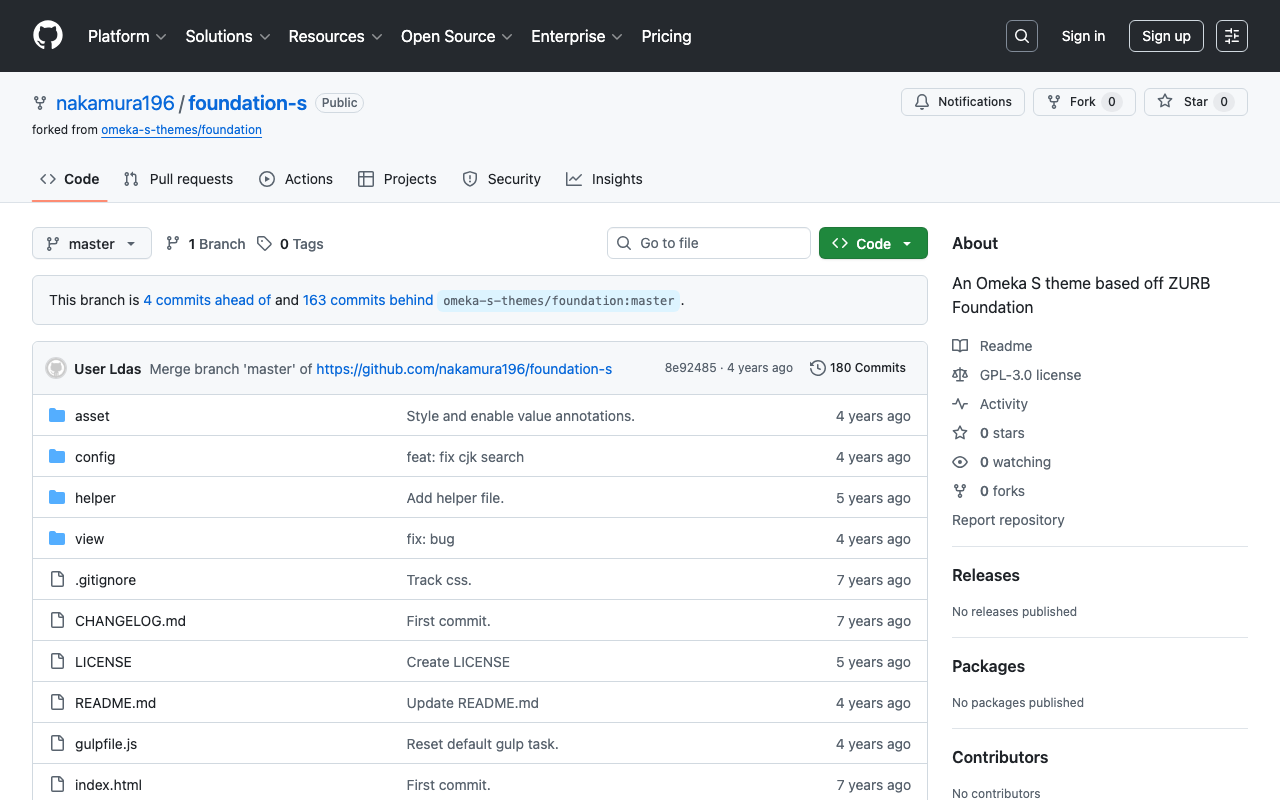
As summarized in the following article, there are some issues with full-text search in Japanese in Omeka S with the default settings. https://nakamura196.hatenablog.com/entry/2022/03/07/083004 In the above article, I introduced “Workaround 2” as a simple solution to this issue. This time, I created a repository that applies this workaround to “Foundation S,” one of the themes for Omeka S. https://github.com/nakamura196/foundation-s I hope this is helpful for those using the “Foundation S” theme who are experiencing issues with Japanese search. ...

August 26, 2022 · 1 min · Nakamura

[Omeka S] Handling Bulk Import Bugs (Including Installation from Source Code)

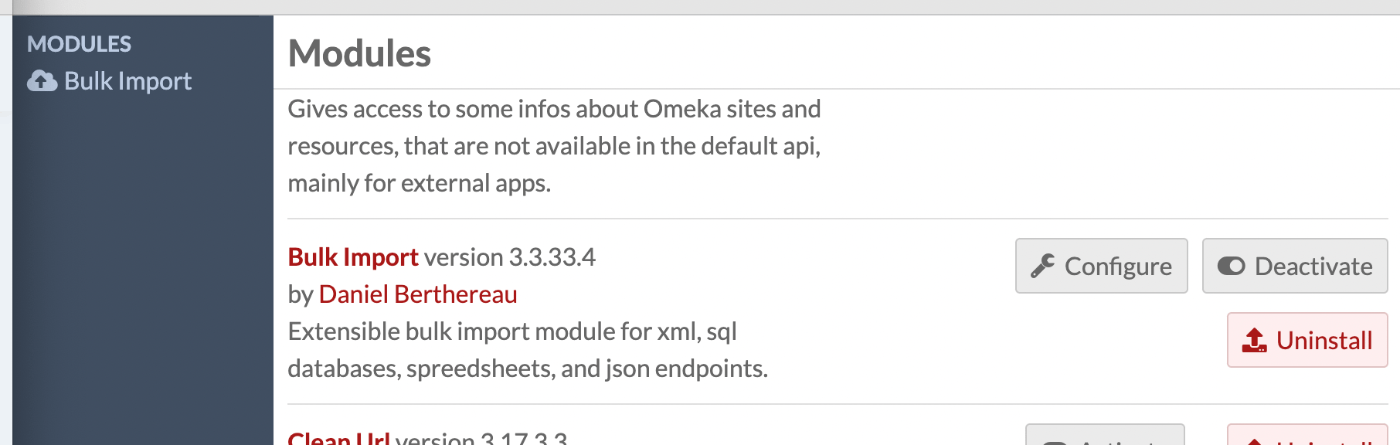
Overview Regarding Bulk Import, one of the modules for bulk data registration in Omeka S, the latest version as of August 21, 2022 (ver.3.3.33.4) appears to contain a bug. Specifically, the following issue describes a bug that occurs during bulk media registration. https://gitlab.com/Daniel-KM/Omeka-S-module-BulkImport/-/issues/11 This bug has already been addressed in the following commit. https://github.com/Daniel-KM/Omeka-S-module-BulkImport/commit/7d568a97f08459e22e7c5fbaa8163b17ab4ba805 However, as of today, a release version has not yet been published, so installation from source code is necessary. ...

August 21, 2022 · 2 min · Nakamura

[Memo] How to Use Virtuoso

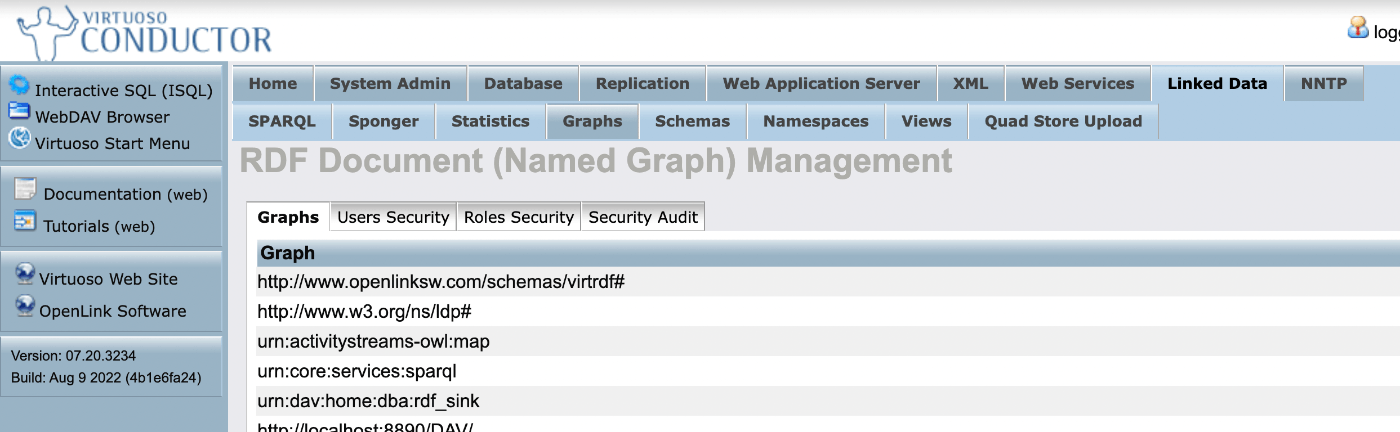
This is a memo on how to use Virtuoso, an RDF store. Checking Registered Graph URIs Conductor > Linked Data > Graphs > Graphs Manually Uploading RDF Files Conductor > Linked Data > Quad Store Upload Enabling Federated Query The following article was helpful. The “Account Roles” configuration was required. https://community.openlinksw.com/t/enabling-sparql-1-1-federated-query-processing-in-virtuoso/2477 I hope this serves as a helpful reference.

August 19, 2022 · 1 min · Nakamura

How to Manually Restart or Stop Virtuoso from the Command Line

Here is how to manually restart or stop Virtuoso from the command line. The following article was used as a reference. https://stackoverflow.com/questions/42575039/how-to-manually-restart-or-stop-virtuoso-from-commandline The following approach seems to work well. isql {host}:{port} {UID} {PWD} EXEC=shutdown A specific example is as follows. isql localhost:1111 dba dba EXEC=shutdown If isql is not found as shown below, change the path and execute. isql localhost:1111 dba dba EXEC=shutdown bash: isql: command not found find / -name isql /usr/local/bin/isql /root/virtuoso-opensource/binsrc/tests/isql /usr/local/bin/isql localhost:1111 dba dba EXEC=shutdown I hope this serves as a helpful reference. ...

August 19, 2022 · 1 min · Nakamura

Similar Image Search Using VGG16

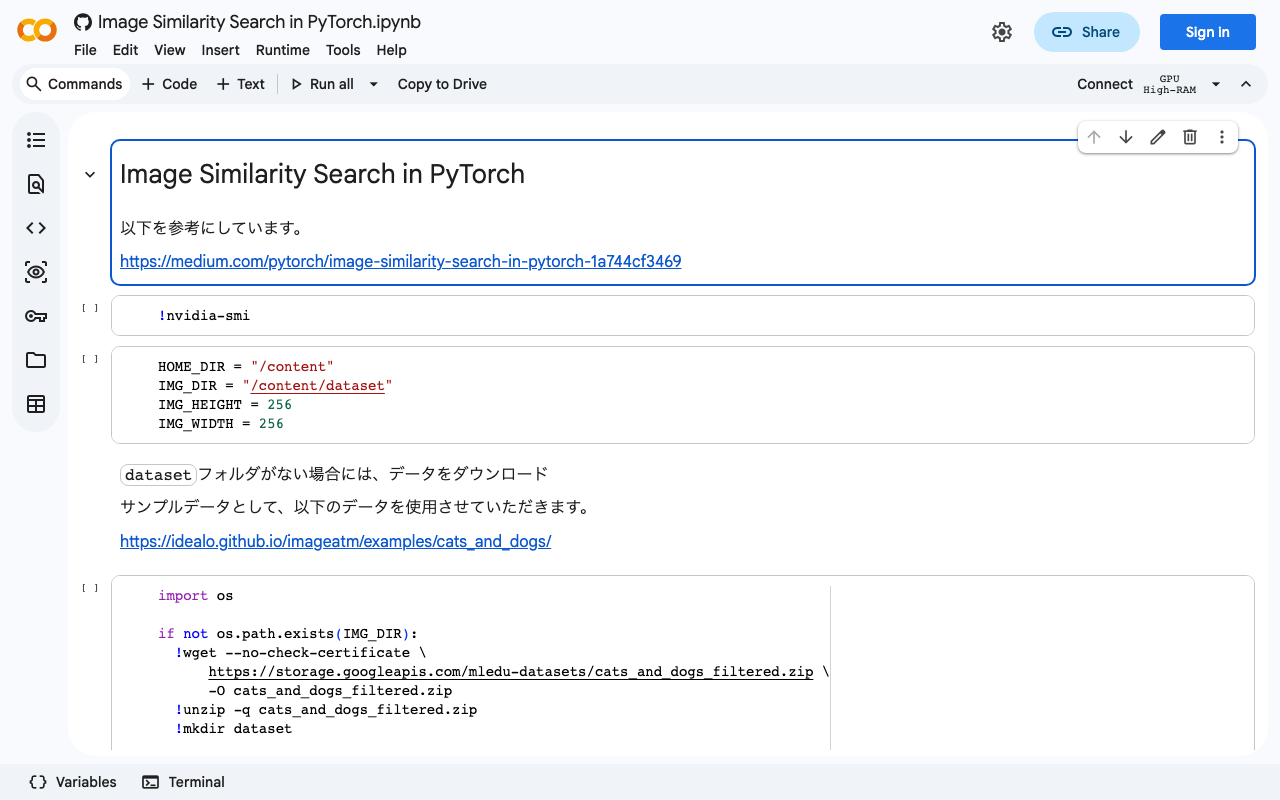
In relation to the following article, I created a notebook for performing similar image search using VGG16. The notebook is available here: https://colab.research.google.com/github/nakamura196/ndl_ocr/blob/main/[vgg16]_Image_Similarity_Search_in_PyTorch.ipynb You can verify the operation by selecting “Runtime” > “Run all.” We hope this serves as a useful reference.

August 19, 2022 · 1 min · Nakamura

Similar Image Search Using an Autoencoder

Based on the following article, I created a notebook for similar image search using an autoencoder. https://medium.com/pytorch/image-similarity-search-in-pytorch-1a744cf3469 The notebook is available below. https://colab.research.google.com/github/nakamura196/ndl_ocr/blob/main/Image_Similarity_Search_in_PyTorch.ipynb You can verify its operation by selecting “Runtime” > “Run all.” I hope this is helpful.

August 19, 2022 · 1 min · Nakamura