Overview To send emails from Omeka S running on Amazon Lightsail, it appears that email sending configuration is required. This article introduces how to use Amazon SES.
https://aws.amazon.com/jp/ses/
The following forum discussion was helpful.
https://forum.omeka.org/t/configuring-sendmail-or-smtp-for-omeka-s-on-amazon-lightsail/19335/1
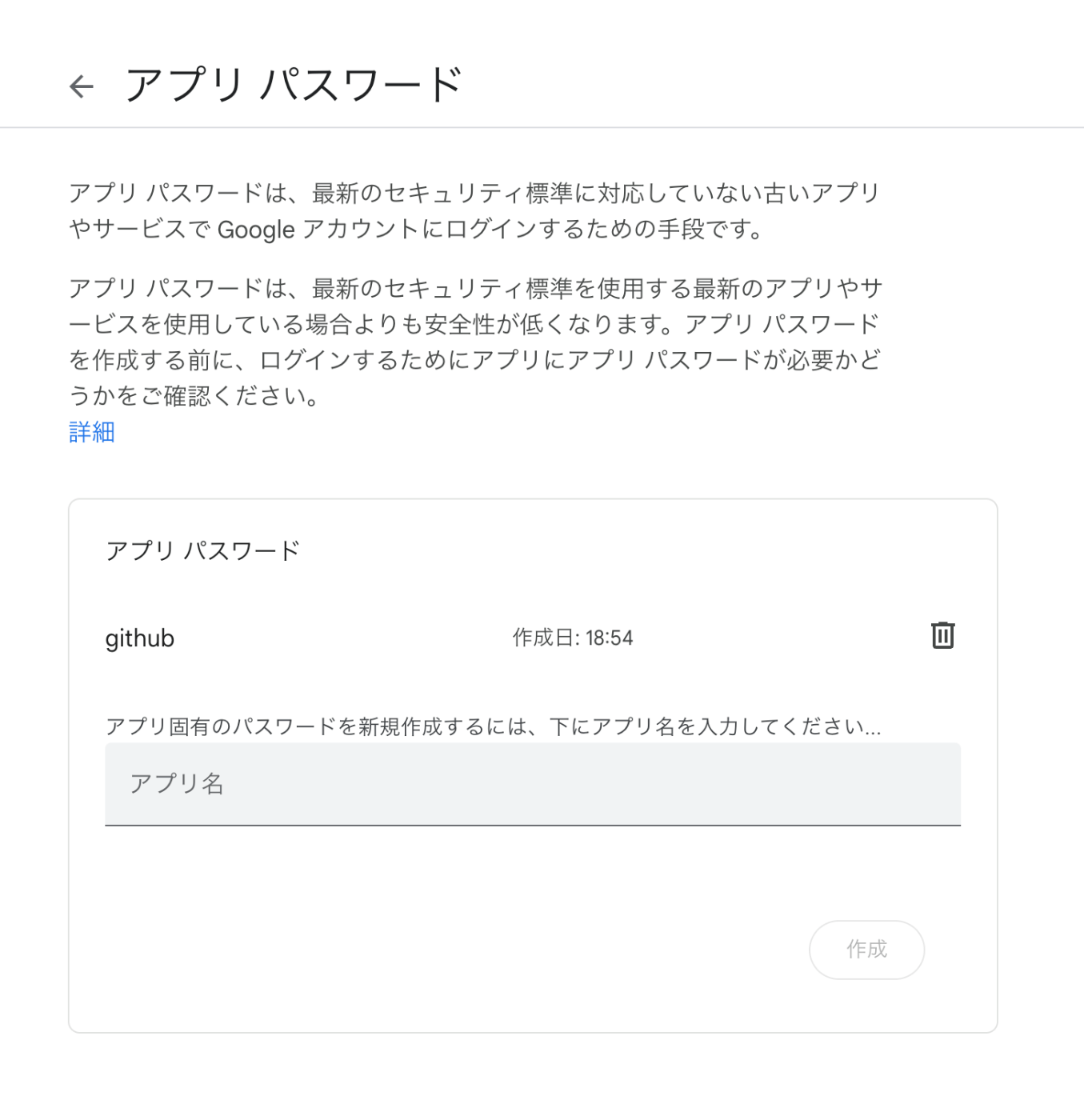
Amazon SES Configuration Configure Amazon SES by referring to the following site.
https://qiita.com/Shun_konno/items/f51ae599b68e0d2d36ea
Omeka S Configuration Edit the Omeka S local.config.php file as follows.
<?php return [ 'logger' => [ // Log settings (as needed) ], 'mail' => [ 'transport' => [ 'type' => 'smtp', // Use SMTP 'options' => [ 'name' => 'ses-smtp-user', // Any name 'host' => 'email-smtp.us-east-1.amazonaws.com', // SES SMTP server endpoint 'port' => 587, // Port supported by SES (e.g., 587) 'connection_class' => 'plain', // Authentication type 'connection_config' => [ 'username' => 'your-ses-smtp-username', // SES SMTP username 'password' => 'your-ses-smtp-password', // SES SMTP password 'ssl' => 'tls', // SSL type ('tls' recommended) 'use_complete_quit' => true, ], ], ], ], // Other settings... ]; For host, specify the Amazon SES SMTP server endpoint corresponding to the AWS region you are using. The example uses the us-east-1 region endpoint, but change it as needed. For username and password, use the SMTP credentials generated in Amazon SES. Summary We hope this is helpful when using Omeka S with Amazon Lightsail.
...