Using the GakuNin RDM API

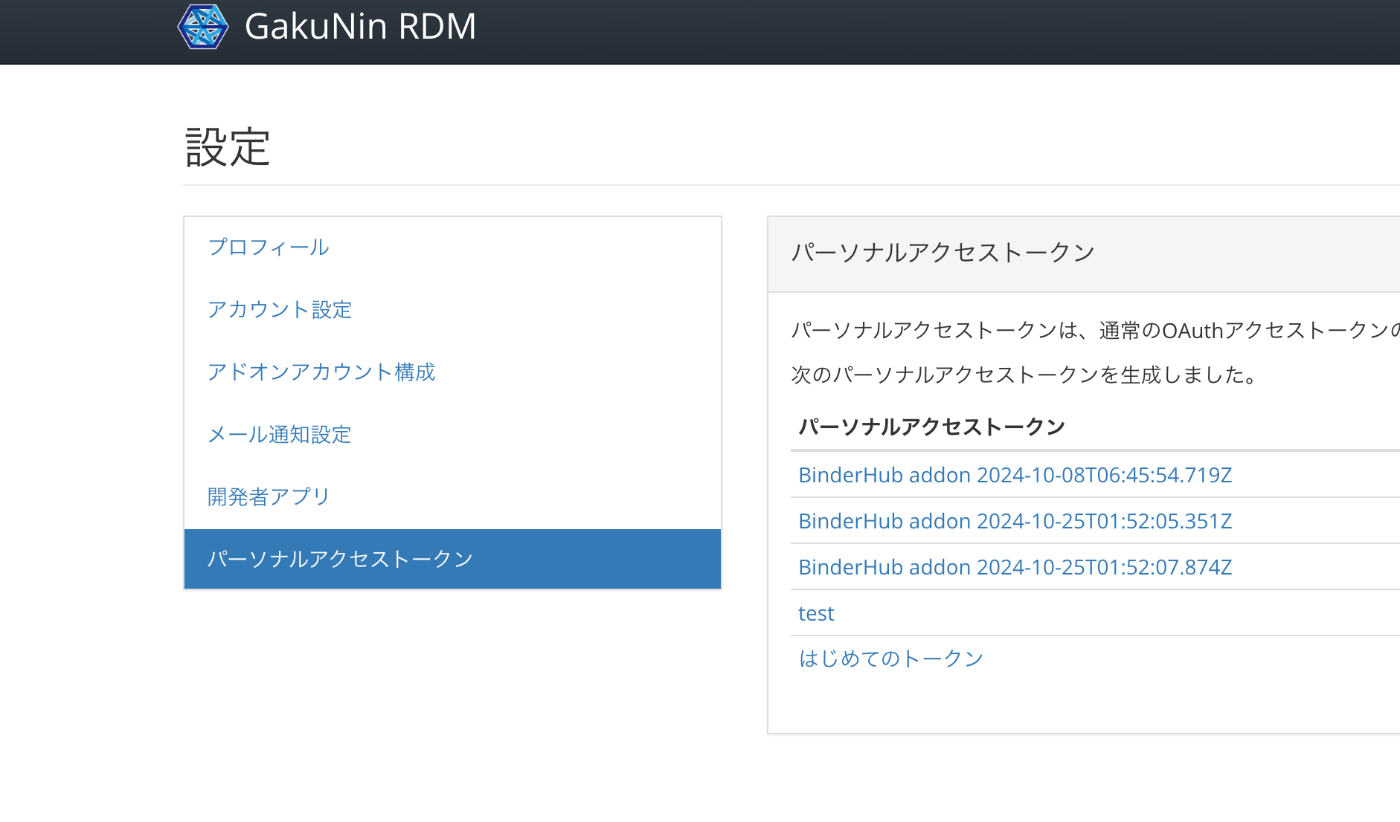
Overview GakuNin RDM provides an API at the following link. These are notes on usage examples of this API. https://api.rdm.nii.ac.jp/v2/ Reference GakuNin RDM is built on OSF (Open Science Framework), and API documentation can be found at the following link. It conforms to OpenAPI. https://developer.osf.io/ Obtaining a PAT Obtain a PAT (Personal Access Token). After logging in, you can create one from the following URL. https://rdm.nii.ac.jp/settings/tokens/ Usage You can also access it programmatically with the following script. ...

October 26, 2024 · 2 min · Nakamura

Differences Between ShExC and ShExJ

Overview This is a ChatGPT-generated answer about the differences between ShExC (ShEx Compact Syntax) and ShExJ (ShEx JSON Syntax). There may be some inaccuracies, but I hope it serves as a useful reference. Answer ShExC (ShEx Compact Syntax) and ShExJ (ShEx JSON Syntax) are both representation formats for ShEx (Shape Expressions) schemas, but they differ in notation format and use cases. The differences are explained below. 1. Notation Format ShExC (ShEx Compact Syntax): ...

October 25, 2024 · 2 min · Nakamura

Differences Between ShEx and SHACL

Overview This is a ChatGPT-generated answer about the differences between ShEx (Shape Expressions) Schema and SHACL (Shapes Constraint Language). There may be some inaccuracies, but I hope it serves as a useful reference. Answer ShEx (Shape Expressions) Schema and SHACL (Shapes Constraint Language) are both languages for defining validation and constraints on RDF data. While they share the same purpose, they differ in syntax and approach. The differences are explained below. ...

October 25, 2024 · 3 min · Nakamura

How to Use the Files/Markers Tabs in the @samvera/ramp Viewer

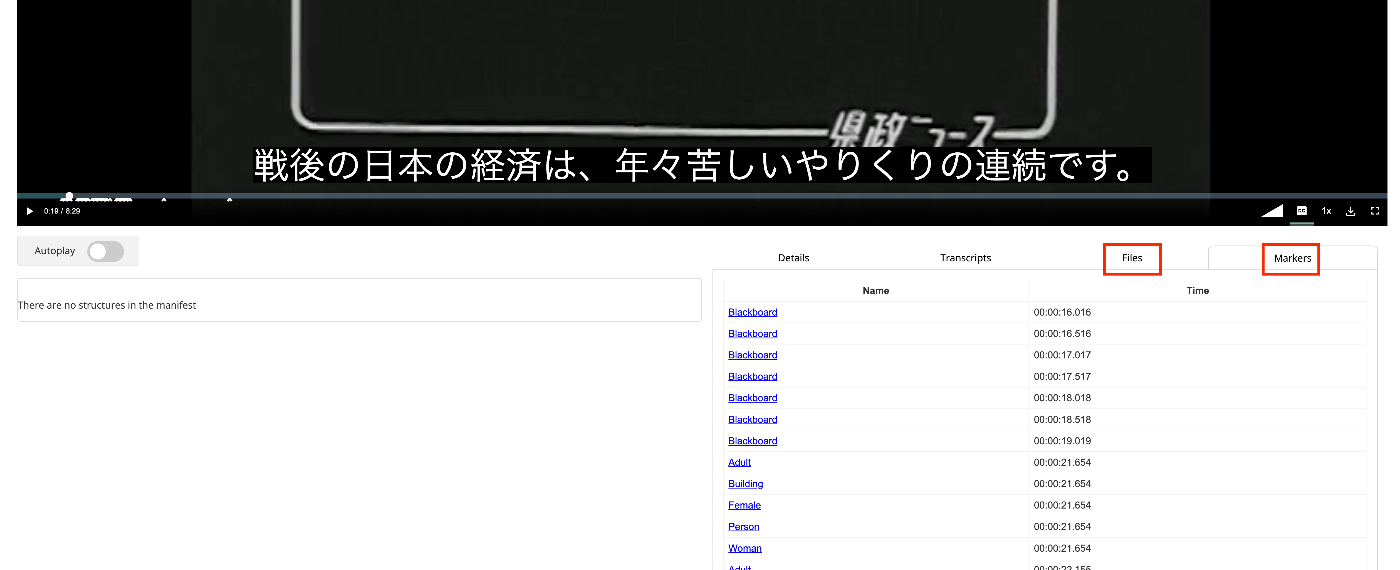
Overview I looked into how to use the Files/Markers tabs of the @samvera/ramp viewer, one of the viewers compatible with IIIF Audio/Visual, so this is a personal note for future reference. Documentation For Files, documentation was found at the following. https://samvera-labs.github.io/ramp/#supplementalfiles For Markers, documentation is found at the following. https://samvera-labs.github.io/ramp/#markersdisplay Data Used “Kensei News Volume 1” (Nagano Prefectural Library) is used. https://www.ro-da.jp/shinshu-dcommons/library/02FT0102974177 Files Tab It is documented that it reads the rendering property. The rendering property is also featured in the following Cookbook. ...

October 17, 2024 · 4 min · Nakamura

Addressing the resumptionToken Bug in Omeka S OAI-PMH Repository

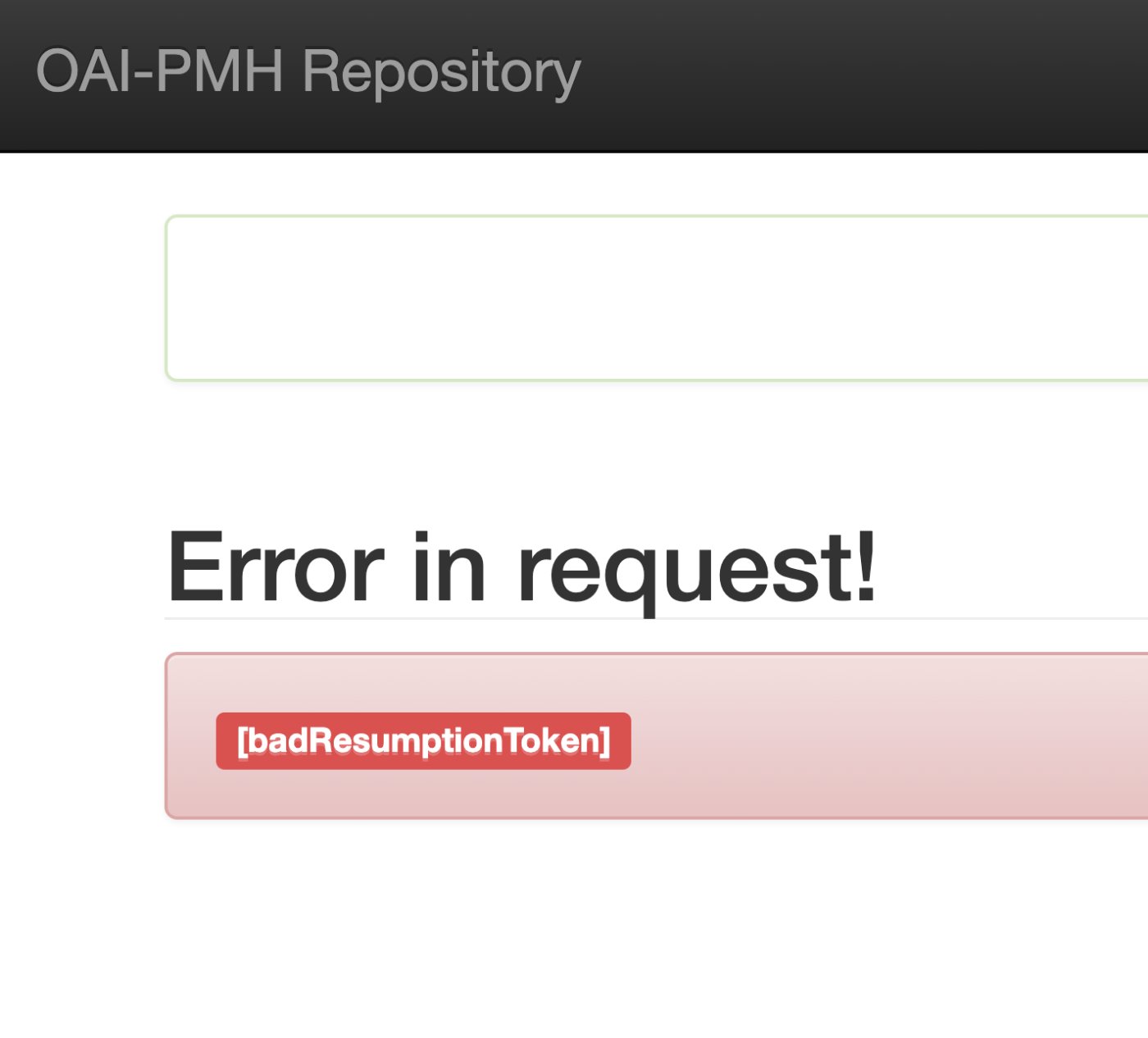
Overview I encountered an issue where the Omeka S OAI-PMH repository’s resumptionToken was outputting a [badResumptionToken] error even though the token was still within its expiration period. Here are my notes on how to address this bug. Solution By adding a comparison between $currentTime and $expirationTime to the following file, tokens within their expiration period are now properly retained. ... private function resumeListResponse($token): void { $api = $this->serviceLocator->get('ControllerPluginManager')->get('api'); $expiredTokens = $api->search('oaipmh_repository_tokens', [ 'expired' => true, ])->getContent(); foreach ($expiredTokens as $expiredToken) { $currentTime = new \DateTime(); // Added $expirationTime = $expiredToken->expiration(); // Added if (!$expiredToken || $currentTime > $expirationTime) { // Added $api->delete('oaipmh_repository_tokens', $expiredToken->id()); } // Added } There were cases where things worked without this fix, so there may be differences depending on the PHP version, etc. ...

October 10, 2024 · 3 min · Nakamura

(Non-Standard) Outputting Delete Records with the Omeka S OAI-PMH Repository Module

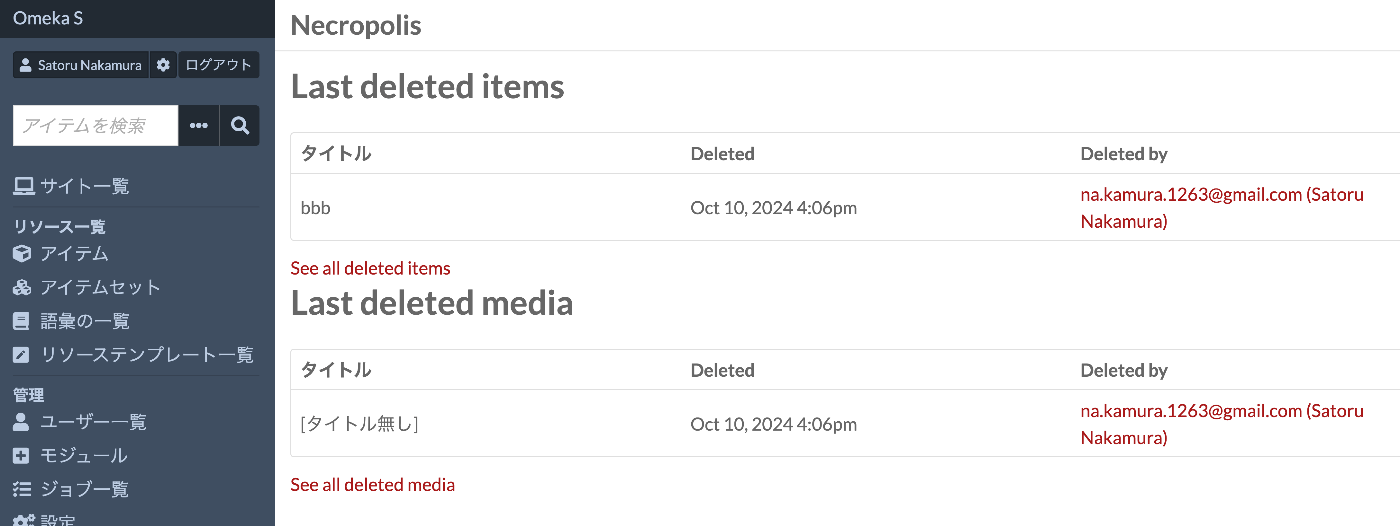
Overview I tried outputting Delete records with the Omeka S OAI-PMH Repository module, so this is a personal note for future reference. Background By using the following module, you can build OAI-PMH repository functionality. https://omeka.org/s/modules/OaiPmhRepository/ However, as far as I could confirm, there did not appear to be a feature for outputting Delete records. Related Module Omeka’s standard features do not seem to include functionality for storing deleted resources. On the other hand, the following module adds functionality to retain deleted resources. ...

October 10, 2024 · 3 min · Nakamura

Adding a Table of Contents to Videos Using iiif-prezi3

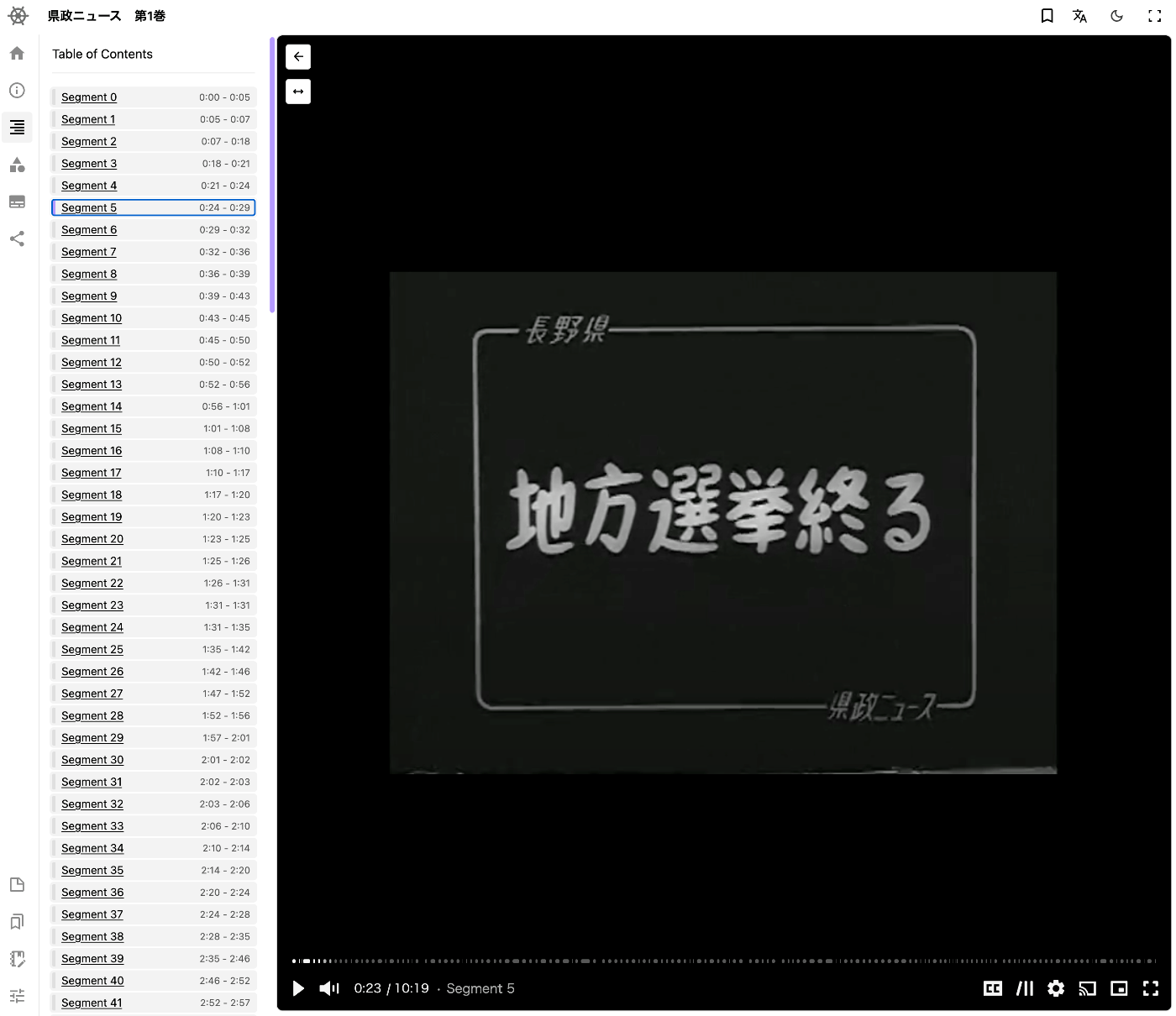
Overview This is a memo on how to add a table of contents to videos using iiif-prezi3. Segment Detection We use Amazon Rekognition’s video segment detection. https://docs.aws.amazon.com/ja_jp/rekognition/latest/dg/segments.html Sample code is available at the following link. https://docs.aws.amazon.com/ja_jp/rekognition/latest/dg/segment-example.html Data Used We use “Prefectural News Volume 1” (Nagano Prefectural Library). https://www.ro-da.jp/shinshu-dcommons/library/02FT0102974177 Reflecting in the Manifest File We assume that a manifest file has already been created by referring to the following article. The following script adds a VTT file to the manifest file. ...

October 9, 2024 · 2 min · Nakamura

Setting Subtitles on Videos Using iiif-prezi3

Overview This is a memo on how to set subtitles on videos using iiif-prezi3. Creating Subtitles Subtitle files were created using the OpenAI API. The video file is converted to an audio file. from openai import OpenAI from pydub import AudioSegment from dotenv import load_dotenv class VideoClient: def __init__(self): load_dotenv(verbose=True) api_key = os.getenv("OPENAI_API_KEY") self.client = OpenAI(api_key=api_key) def get_transcriptions(self, input_movie_path): audio = AudioSegment.from_file(input_movie_path) # Write audio to a temporary file with tempfile.NamedTemporaryFile(suffix=".mp3") as temp_audio_file: audio.export(temp_audio_file.name, format="mp3") # Export in MP3 format temp_audio_file.seek(0) # Reset file pointer to the beginning # Get transcript with Whisper API with open(temp_audio_file.name, "rb") as audio_file: # Get transcript with Whisper API transcript = self.client.audio.transcriptions.create( model="whisper-1", file=audio_file, response_format="vtt" ) return transcript Data Used “Kensei News Volume 1” (Nagano Prefectural Library) is used. ...

October 9, 2024 · 3 min · Nakamura

Adding Annotations to Videos Using iiif-prezi3

Overview This is a note on how to add annotations to videos using iiif-prezi3. Adding Annotations Amazon Rekognition’s label detection is used. https://docs.aws.amazon.com/rekognition/latest/dg/labels.html?pg=ln&sec=ft Sample code is available at the following link. https://docs.aws.amazon.com/ja_jp/rekognition/latest/dg/labels-detecting-labels-video.html In particular, by setting the aggregation in GetLabelDetection to SEGMENTS, you can obtain StartTimestampMillis and EndTimestampMillis. However, please note the following. When aggregated by SEGMENTS, information about detected instances with bounding boxes is not returned. Data Used The video “Prefectural News Vol. 1” (Nagano Prefectural Library) is used. ...

October 9, 2024 · 3 min · Nakamura

Using URL Segments Starting with Underscores in Next.js

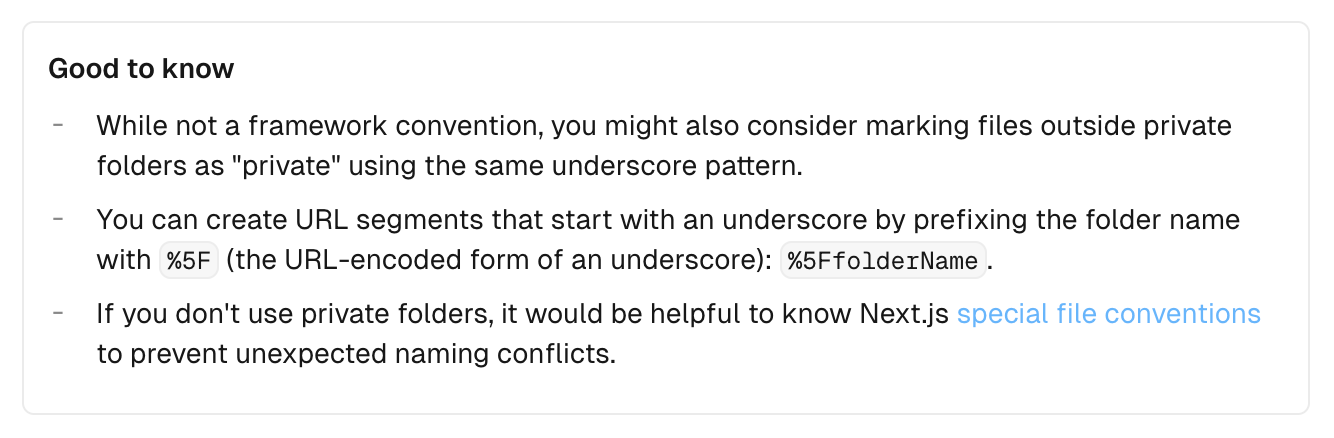
Overview When creating an API like </api/_search>, I looked into how to create URL segments starting with underscores, so this is a personal note for future reference. Method The information was found in the following documentation. https://nextjs.org/docs/app/building-your-application/routing/colocation#:~:text=js file conventions.-,Good to know,-While not a The key point is: To create URL segments that start with an underscore, prefix the folder name with %5F (the URL-encoded form of an underscore). Example: %5FfolderName. ...

October 8, 2024 · 1 min · Nakamura

Addressing a Bug in setFilter of @elastic/search-ui

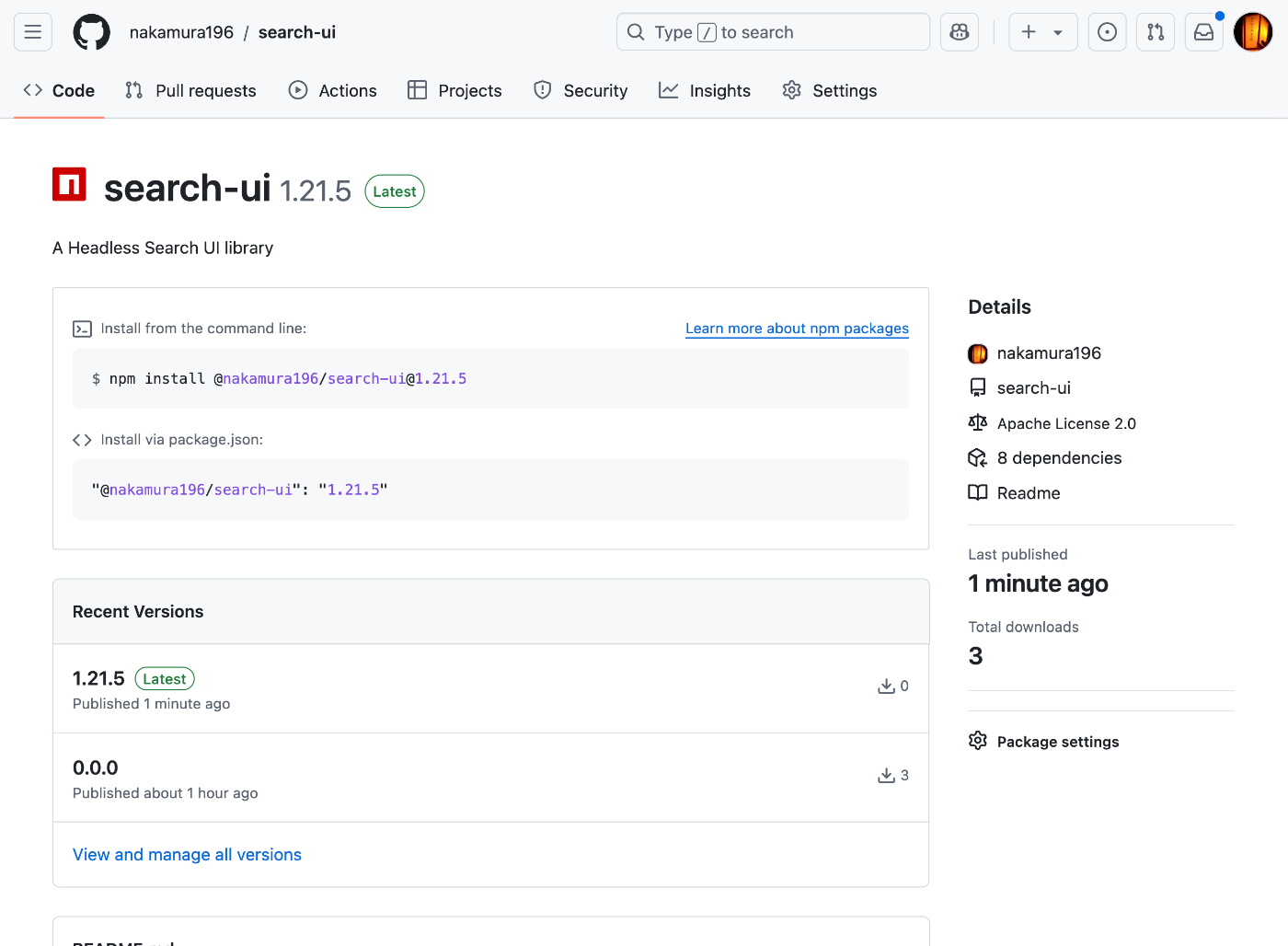
Overview A bug has been reported regarding setFilter in @elastic/search-ui. https://github.com/elastic/search-ui/issues/1057 This bug has already been fixed in the following commit. https://github.com/elastic/search-ui/pull/1058 However, as of October 7, 2024, the latest version incorporating this fix has not been released. Therefore, I attempted to build and release it independently, and this is a memo of that procedure. Fix First, I fetched the repository. https://github.com/nakamura196/search-ui Then, I made the following modifications. https://github.com/nakamura196/search-ui/commit/f7c7dc332086ca77a2c488f3de8780bbeb683324 Specifically, changes were made to package.json and .npmrc. ...

October 7, 2024 · 2 min · Nakamura

Trying Out rico-converter

Overview I had the opportunity to try rico-converter, so here are my notes. https://github.com/ArchivesNationalesFR/rico-converter It is described as follows. A tool to convert EAC-CPF and EAD 2002 XML files to RDF datasets conforming to Records in Contexts Ontology (RiC-O) Conversion Instructions are available at the following link. https://archivesnationalesfr.github.io/rico-converter/en/GettingStarted.html First, download the latest zip file from the following link and extract it. https://github.com/ArchivesNationalesFR/rico-converter/releases/latest Sample data includes input-eac and input-ead, which we will convert to RDF. ...

October 5, 2024 · 9 min · Nakamura

Building an Inference App Using Hugging Face Spaces and YOLOv5 Model (Trained on KaoKore Dataset)

Overview I created an inference app using Hugging Face Spaces and a YOLOv5 model trained on the KaoKore dataset. The KaoKore dataset published by the Center for Open Data in the Humanities (CODH) is as follows: Yingtao Tian, Chikahiko Suzuki, Tarin Clanuwat, Mikel Bober-Irizar, Alex Lamb, Asanobu Kitamoto, “KaoKore: A Pre-modern Japanese Art Facial Expression Dataset”, arXiv:2002.08595. http://codh.rois.ac.jp/face/dataset/ You can try the inference app at the following URL: https://huggingface.co/spaces/nakamura196/yolov5-face The source code and trained model can be downloaded from the following URL. I hope it serves as a reference when developing similar applications. ...

October 5, 2024 · 1 min · Nakamura

Resolving ModuleNotFoundError: No module named 'huggingface_hub.utils._errors'

Overview When deploying an app to Hugging Face Spaces, the following error occurred. This is a memo about that error. Creating new Ultralytics Settings v0.0.6 file ✅ View Ultralytics Settings with 'yolo settings' or at '/home/user/.config/Ultralytics/settings.json' Update Settings with 'yolo settings key=value', i.e. 'yolo settings runs_dir=path/to/dir'. For help see https://docs.ultralytics.com/quickstart/#ultralytics-settings. WARNING ⚠️ DetectMultiBackend failed: No module named 'huggingface_hub.utils._errors' Traceback (most recent call last): File "/usr/local/lib/python3.10/site-packages/yolov5/helpers.py", line 38, in load_model model = DetectMultiBackend( File "/usr/local/lib/python3.10/site-packages/yolov5/models/common.py", line 338, in __init__ result = attempt_download_from_hub(w, hf_token=hf_token) File "/usr/local/lib/python3.10/site-packages/yolov5/utils/downloads.py", line 150, in attempt_download_from_hub from huggingface_hub.utils._errors import RepositoryNotFoundError ModuleNotFoundError: No module named 'huggingface_hub.utils._errors' During handling of the above exception, another exception occurred: Reference The following article was helpful. ...

October 4, 2024 · 1 min · Nakamura

Manipulating CVAT Data Using Python

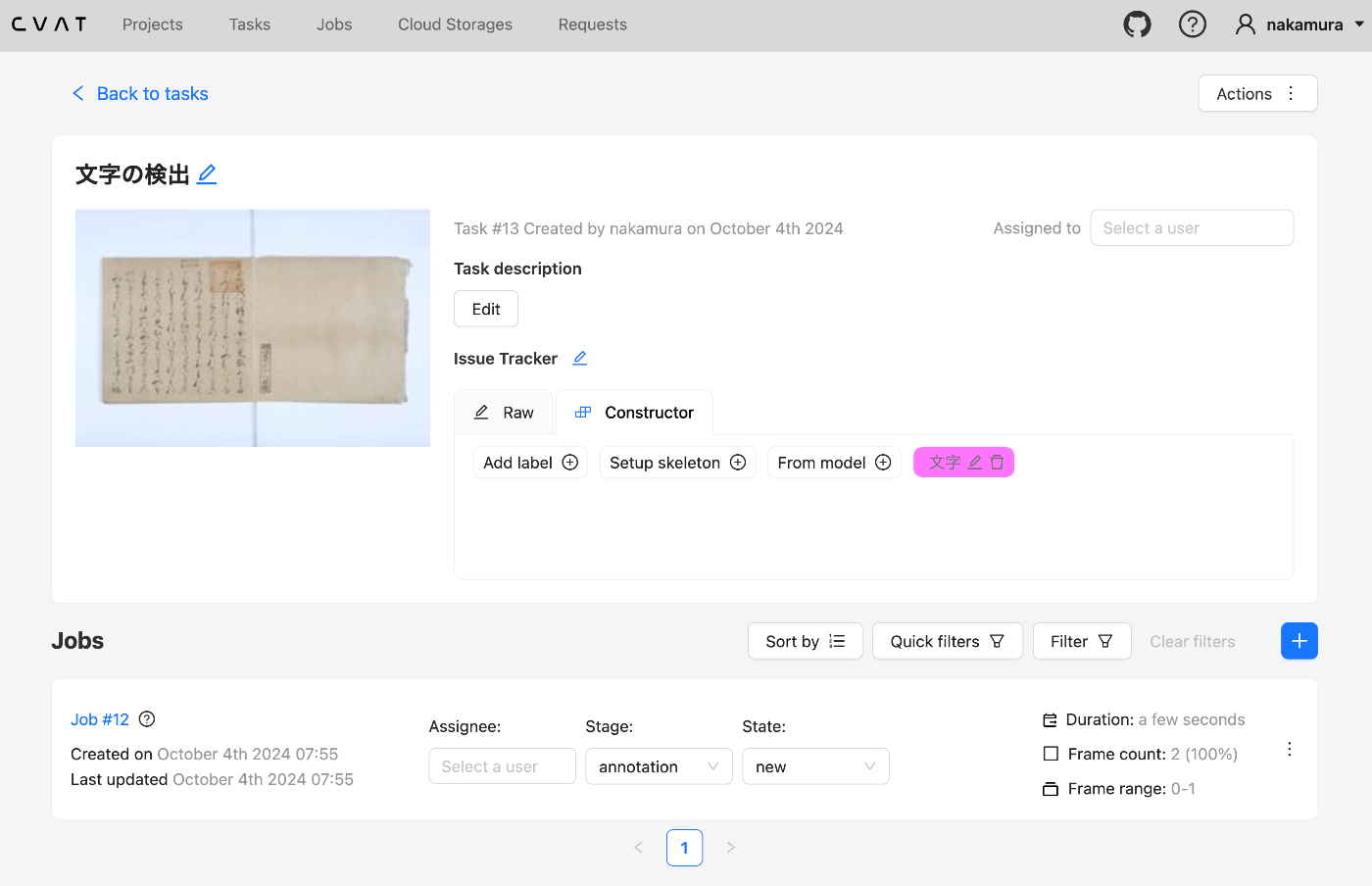
Overview This is a memo from an opportunity to manipulate CVAT data using Python. Setup We use Docker to start CVAT. git clone https://github.com/cvat-ai/cvat --depth 1 cd cvat docker compose up -d Creating an Account Access http://localhost:8080 and create an account. Operations with Python First, install the following library. pip install cvat-sdk Write the account information in .env. host=http://localhost:8080 username= password= Creating an Instance import os from dotenv import load_dotenv import json from cvat_sdk.api_client import Configuration, ApiClient, models, apis, exceptions from cvat_sdk.api_client.models import PatchedLabeledDataRequest import requests from io import BytesIO load_dotenv(verbose=True) host = os.environ.get("host") username = os.environ.get("username") password = os.environ.get("password") configuration = Configuration( host=host, username=username, password=password ) api_client = ApiClient(configuration) Creating a Task task_spec = { 'name': '文字の検出', "labels": [{ "name": "文字", "color": "#ff00ff", "attributes": [ { "name": "score", "mutable": True, "input_type": "text", "values": [""] } ] }], } try: # Apis can be accessed as ApiClient class members # We use different models for input and output data. For input data, # models are typically called like "*Request". Output data models have # no suffix. (task, response) = api_client.tasks_api.create(task_spec) except exceptions.ApiException as e: # We can catch the basic exception type, or a derived type print("Exception when trying to create a task: %s\n" % e) print(task) The following result is obtained: ...

October 4, 2024 · 4 min · Nakamura

Handling the CSRF: Value is required and can't be empty Error in Omeka S

Overview In Omeka S, I encountered an issue where the error message “CSRF: Value is required and can’t be empty” was displayed when trying to save an item associated with many media, and saving would not complete. This article explains how to address this error. Related Articles This is mentioned in articles such as the following. It appears to be a known error, and it is stated that php.ini needs to be modified. ...

October 2, 2024 · 2 min · Nakamura

Using Custom Permissions in Drupal Custom Modules

Overview I had the opportunity to use custom permissions in a Drupal custom module, so here are my notes. Background In the following article, I introduced a module that executes GitHub Actions from Drupal. However, the permission was set to administer site configuration, so only users with administrator privileges could execute it. The commit addressing this issue is as follows. https://github.com/nakamura196/Drupal-module-github_webhook/commit/c3b6f57bebfeda0556c929c8ed8ed62a0eb0a5c4 Method Below, I share the response from ChatGPT 4o. ...

September 9, 2024 · 2 min · Nakamura

GitHub Repository for DTS API for TEI/XML Files Published in the Koui Genji Monogatari Text DB

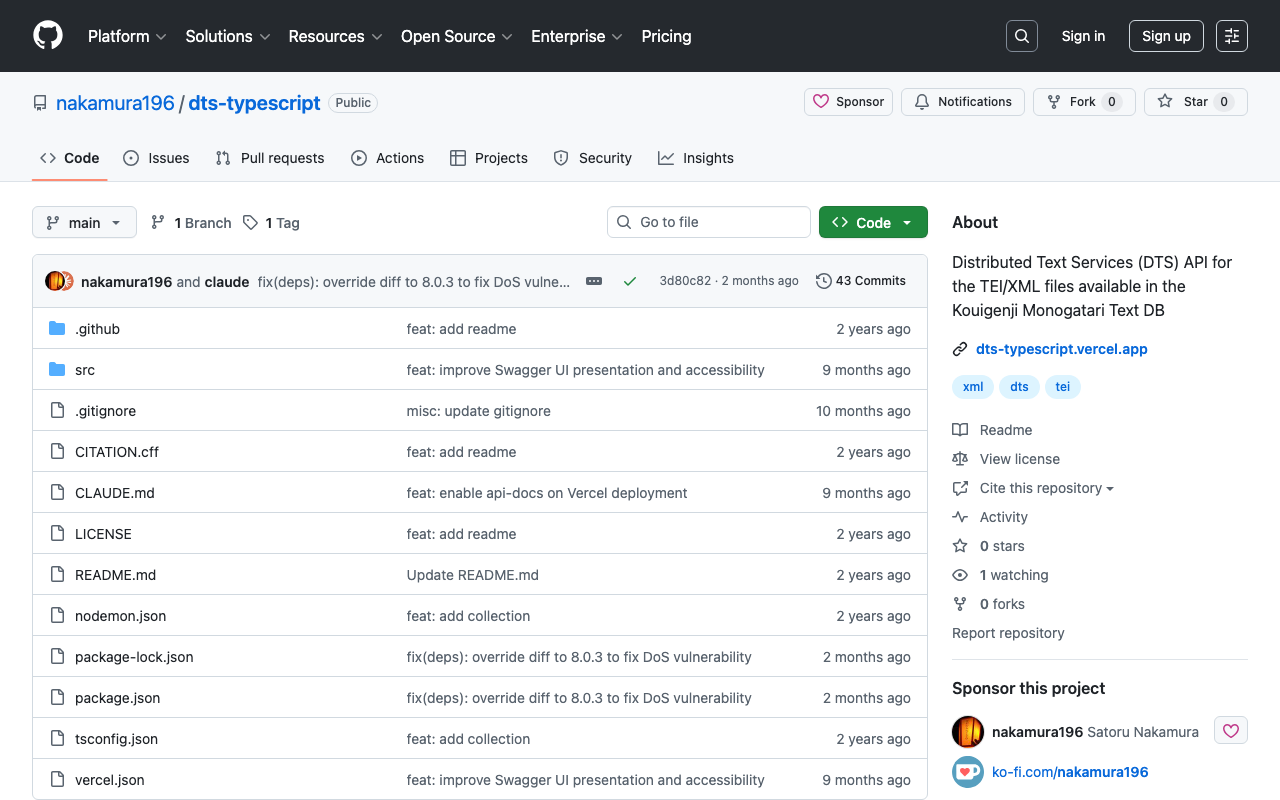
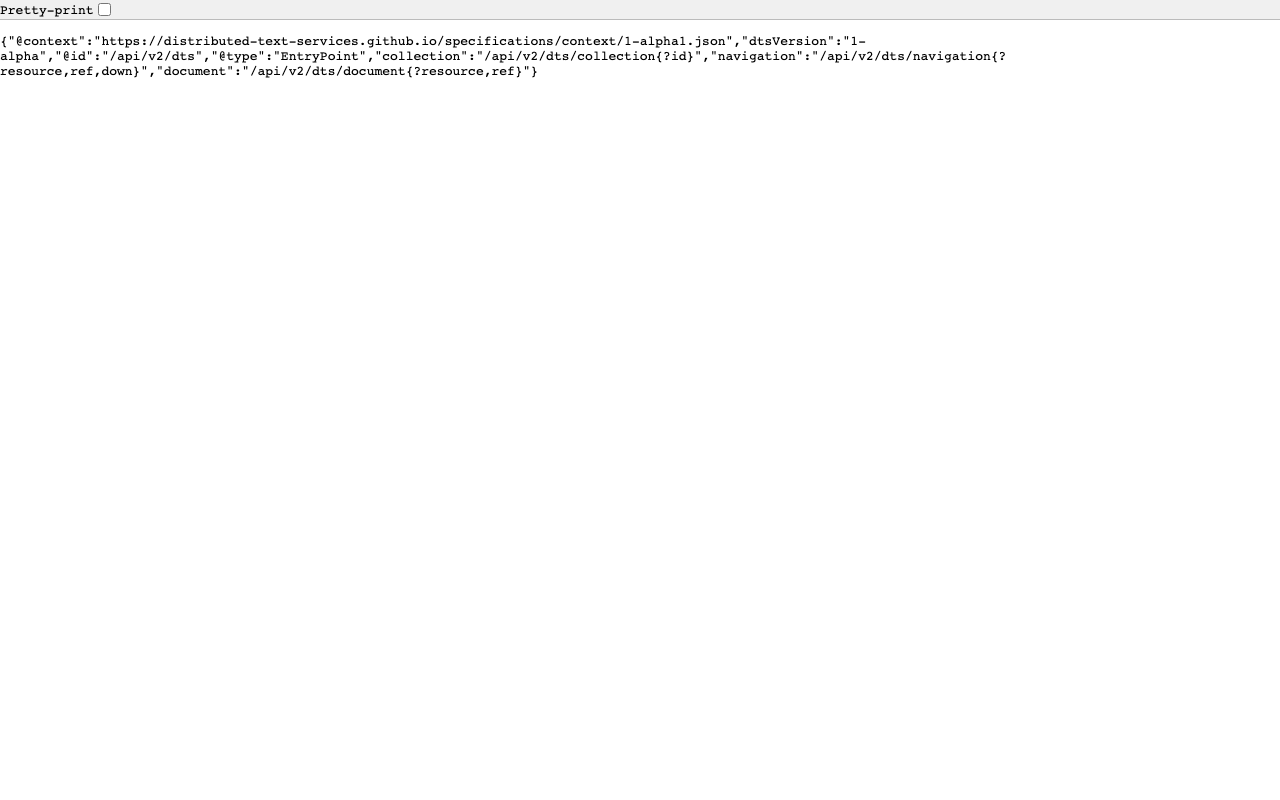
Overview I published the GitHub repository for the API introduced in the following article. The repository is below. https://github.com/nakamura196/dts-typescript There may be some incomplete aspects, but I hope this is helpful as a reference. Notes Vercel Rewrite By configuring as follows, access to / was redirected to /api/dts. { "version": 2, "builds": [ { "src": "src/index.ts", "use": "@vercel/node" } ], "rewrites": [ { "source": "/api/dts(.*)", "destination": "/src/index.ts" } ], "redirects": [ { "source": "/", "destination": "/api/dts", "permanent": true } ] } Collection ID The following is used as the collection ID. ...

September 4, 2024 · 1 min · Nakamura

Creating a DTS API for TEI/XML Files Published by the Koui Genji Monogatari Text DB

Overview This is a memo on creating a DTS (Distributed Text Services) API for TEI/XML files published by the Koui Genji Monogatari Text DB. Background The Koui Genji Monogatari Text DB is available at: https://kouigenjimonogatari.github.io/ It publishes TEI/XML files. Developed DTS The developed DTS is available at: https://dts-typescript.vercel.app/api/dts It is built with Express.js deployed on Vercel. For more information about DTS, please refer to: https://zenn.dev/nakamura196/articles/4233fe80b3e76d MyCapytain Library The following article introduced a library for using DTS from Python: ...

September 4, 2024 · 4 min · Nakamura

Trying Out DTS (Distributed Text Services)

Overview I had the opportunity to learn how to use DTS (Distributed Text Services), and this is a memo of that experience. API Used We will use Alpheios, which is introduced at the following page. https://github.com/distributed-text-services/specifications/?tab=readme-ov-file#known-corpora-accessible-via-the-dts-api Top https://texts.alpheios.net/api/dts We can see that collections, documents, and navigation are available. { "navigation": "/api/dts/navigation", "@id": "/api/dts", "@type": "EntryPoint", "collections": "/api/dts/collections", "@context": "dts/EntryPoint.jsonld", "documents": "/api/dts/document" } Collection Endpoint collections https://texts.alpheios.net/api/dts/collections We can see that it contains 2 sub-collections. { "totalItems": 2, "member": [ { "@id": "urn:alpheios:latinLit", "@type": "Collection", "totalItems": 3, "title": "Classical Latin" }, { "@id": "urn:alpheios:greekLit", "@type": "Collection", "totalItems": 4, "title": "Ancient Greek" } ], "title": "None", "@id": "default", "@type": "Collection", "@context": { "dts": "https://w3id.org/dts/api#", "@vocab": "https://www.w3.org/ns/hydra/core#" } } Classical Latin Specifying the id urn:alpheios:latinLit to narrow the collection to Classical Latin. ...
September 4, 2024 · 8 min · Nakamura